Radio
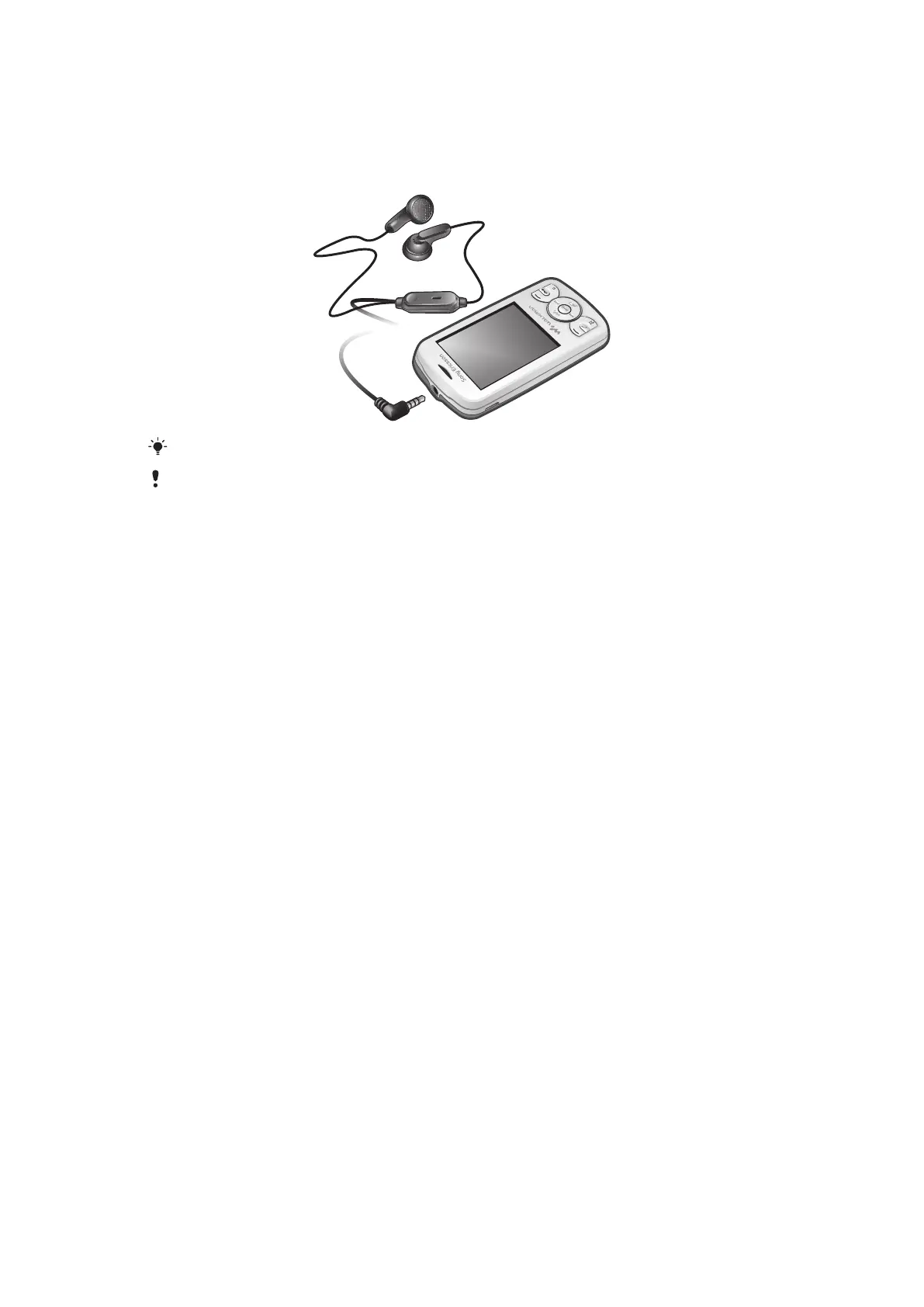
You can listen to the radio in your phone by connecting the phone to a handsfree device.
The handsfree works as an antenna.
In some markets, you may have to purchase the handsfree separately.
Do not use your phone as a radio in places where this is prohibited.
To turn on the radio
1
Connect a handsfree to the phone.
2
Select Menu > Entertainment > Radio.
To search for channels automatically
•
When the radio is playing, select Search.
To search for channels manually
•
When the radio is playing, press the navigation key left or right.
24
This is an Internet version of this publication. © Print only for private use.













 To Next Page