37Imaging
Imaging
Camera, pictures, PhotoDJ™.
Camera and video recorder
You can take pictures or record video
clips with your phone.
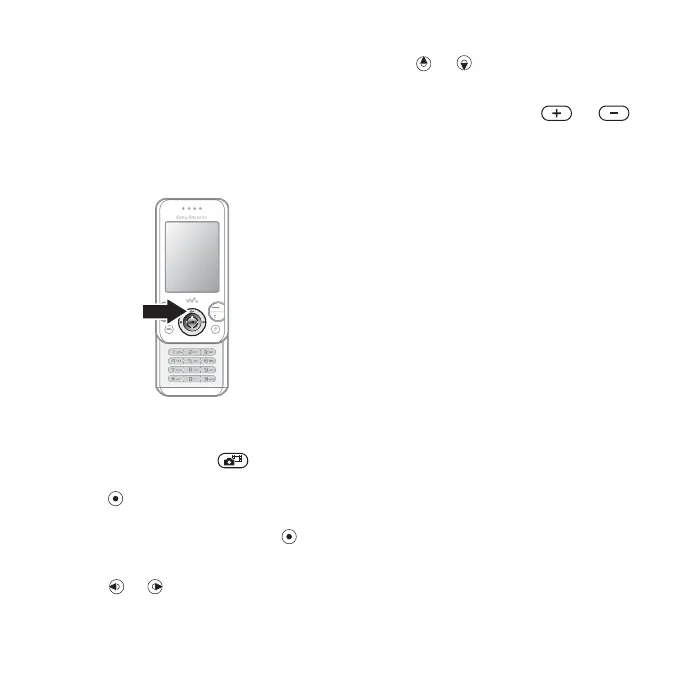
Camera keys
To take pictures and video clips
1 Open the phone.
2 From stand-by press to start the
camera.
3 Press to take the picture or start
the video.
4 To end video recording, press .
To switch between video and photo
• Press or .
To use the zoom
• Use or .
To adjust brightness
• Use the volume keys ( or )
on the side of the phone.
Camera and video options
• When the camera or video is
activated, press More for a list
of options. For more information
about options, see the Camera
Getting started guide at
www.sonyericsson.com/support.
Transferring pictures
Transfer to your computer
You can use the USB cable to move
camera pictures % 56 Transferring
files using the USB cable.
To enhance and organize camera
pictures on a computer, install
Adobe® Photoshop® Album Starter
Edition, included on the phone CD or
visit www.sonyericsson.com/support.
This is the Internet version of the User's guide. © Print only for private use.














 To Next Page