12 Getting started
Navigation
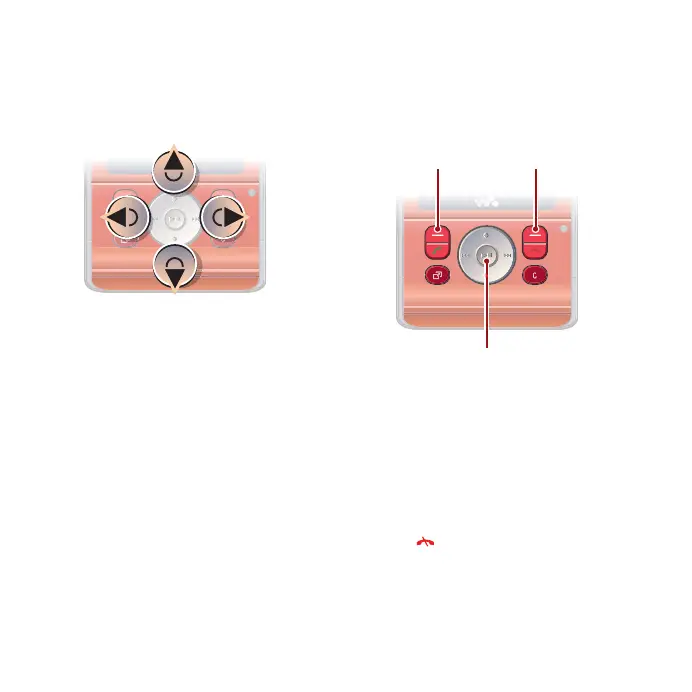
The main menus are shown as icons.
Some submenus include tabs.
To navigate the phone menus
1 From standby select Menu.
2 Use the navigation key to move up,
down, left and right through the
menus.
To select actions on the screen
• Select an action shown at the bottom
of the screen by pressing the left or
right selection key, or the centre
navigation key.
To view options for an item
• Select Options to, for example, edit.
To scroll between the tabs
• Scroll to a tab by pressing the
navigation key left or right.
To return to standby
• Press .
Selection keys
Centre navigation key
This is the Internet version of the User's guide. © Print only for private use.














 To Next Page