40 Entertainment
Themes
You can change the appearance of the
screen through items such as colours
and wallpaper. You can also create
new themes and download them.
For more information, go to
www.sonyericsson.com/support.
To set a theme
1 From standby select Menu > Organizer
> File manager.
2 Scroll to Themes and Open.
3 Scroll to a theme and select Set.
Entertainment
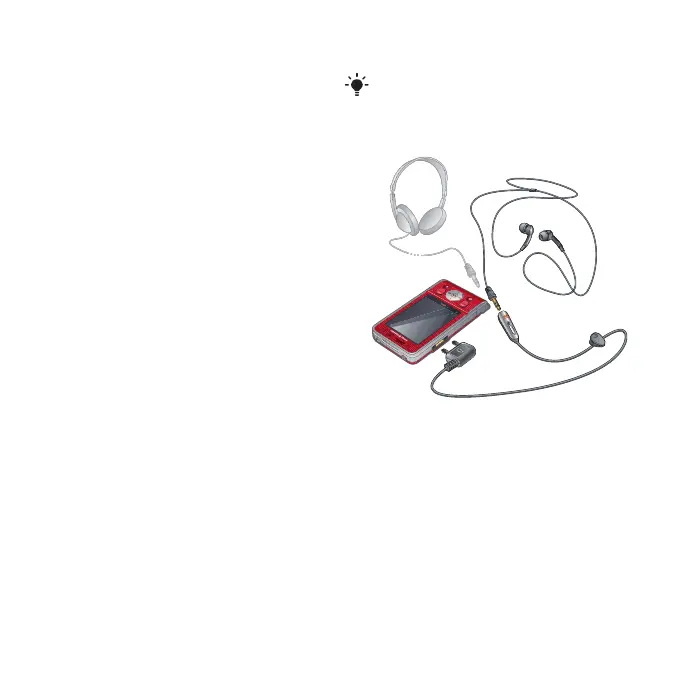
Stereo portable handsfree
To use the handsfree
• Connect the portable handsfree.
Music stops when you receive a call
and resumes when the call has ended.
To navigate your media see Navigation
on page 12.
This is the Internet version of the User's guide. © Print only for private use.














 To Next Page