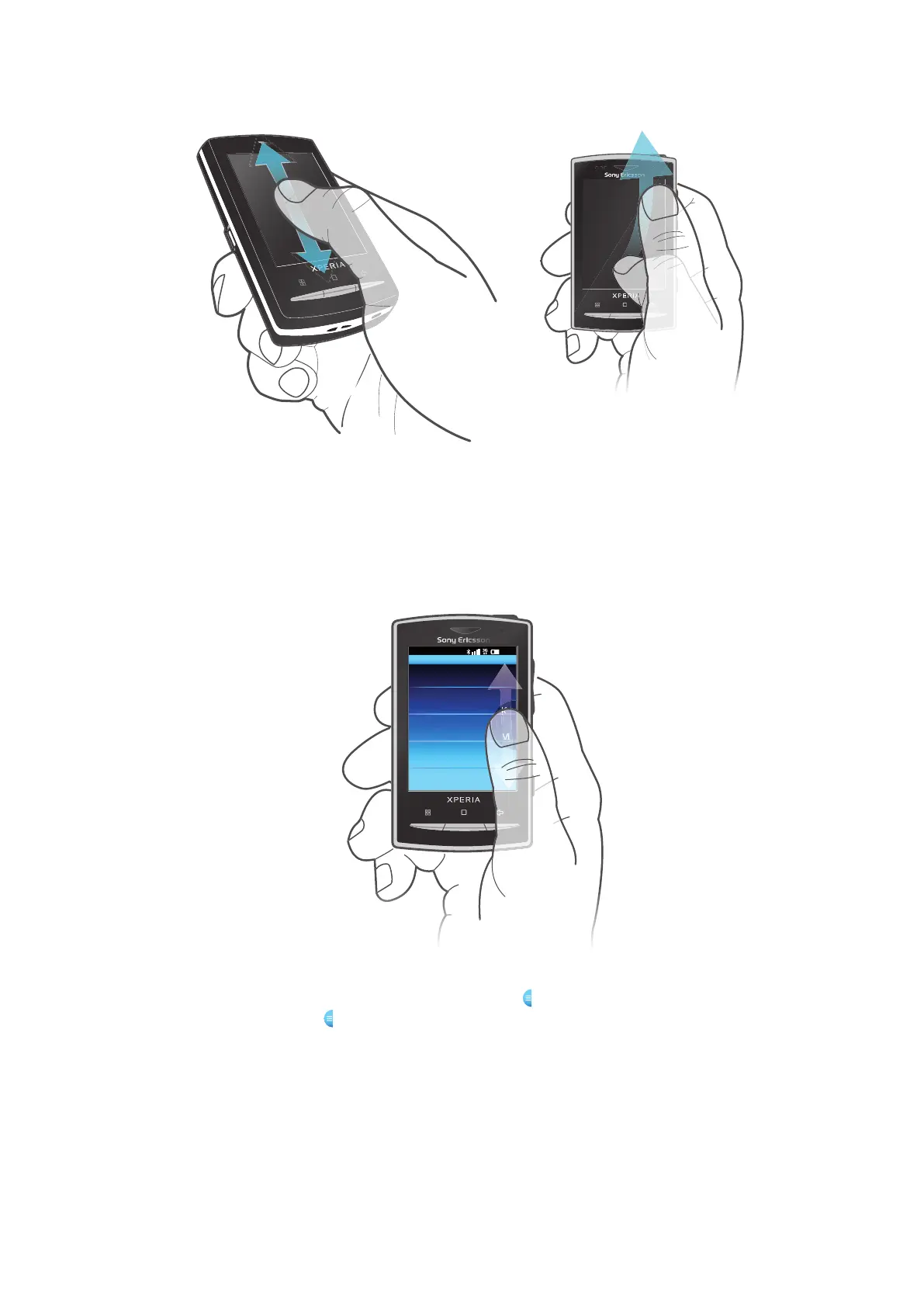
To scroll
•
Drag up or down to scroll.
•
Flick to scroll quickly. You can wait
for the scrolling to come to a stop
or you can stop it immediately by
tapping the screen.
Lists
You can browse through alphabetical lists by using the index icon.
To use the index icon
1
From any alphabetical list, flick up or down to make
appear.
2
Touch, hold and drag
up or down to browse to an index letter.
Notification panel
In the Notification panel, notification icons are displayed in a detailed view. You can open
notifications, such as messages, reminders, or event notifications directly from the
Notification panel. You can also open running applications such as the music player or the
radio.
15
This is an Internet version of this publication. © Print only for private use.











 To Next Page