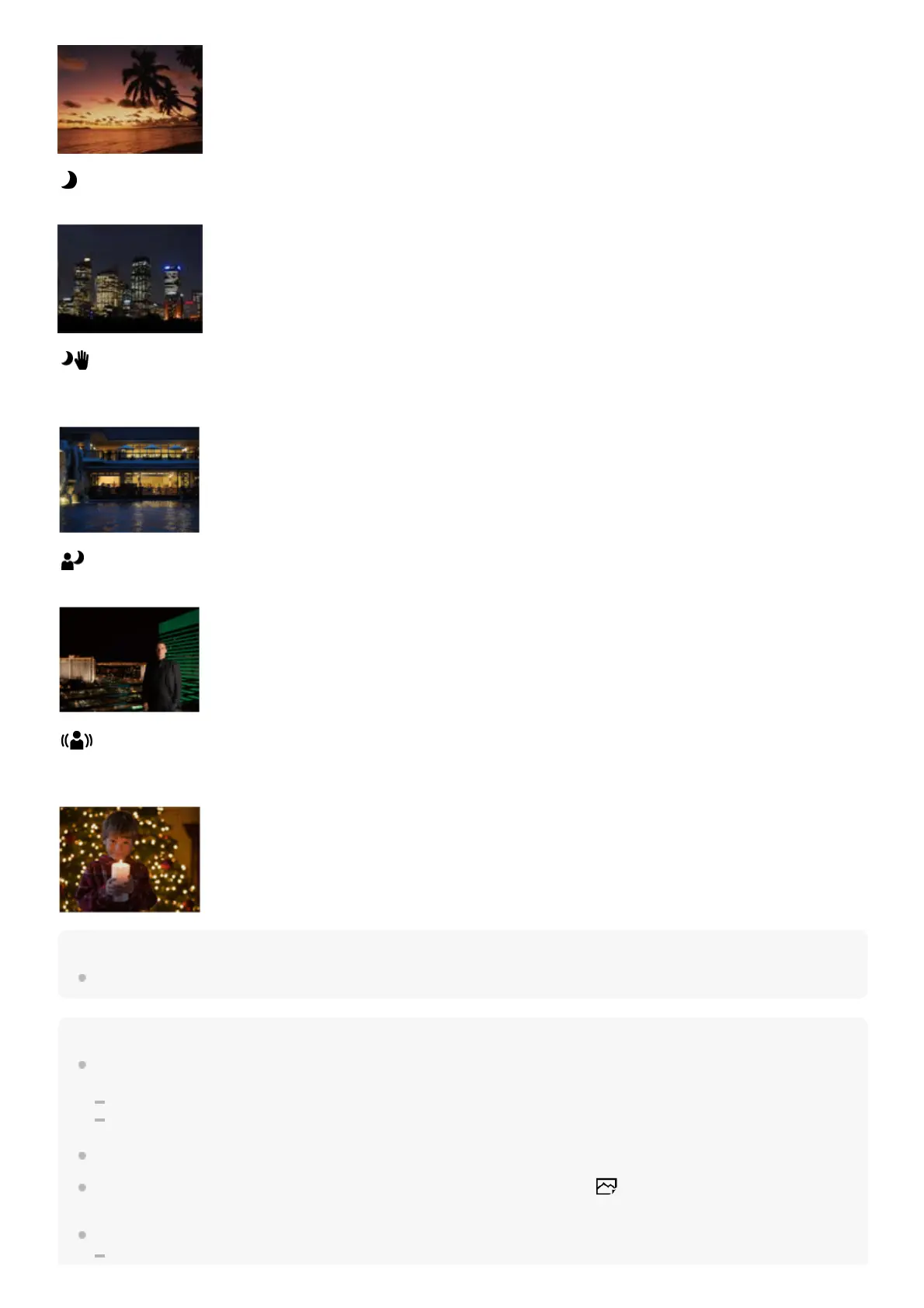
Night Scene:
Shoots night scenes without losing the dark atmosphere.
Hand-held Twilight:
Shoots night scenes with less noise and blur without using a tripod. A burst of shots are taken, and image processing is
applied to reduce subject blur, camera-shake, and noise.
Night Portrait:
Shoots night scene portraits using the flash (sold separately).
Anti Motion Blur:
Allows you to shoot indoor shots without using the flash and reduces subject blur. The product shoots burst images and
combines them to create the image, reducing subject blur and noise.
Hint
To change the scene, rotate the control dial on the shooting screen and select a new scene.
Note
Under the following settings, the shutter speed is slower, so use of a tripod, etc. is recommended to prevent the image from
blurring:
[Night Scene]
[Night Portrait]
In the [Hand-held Twilight] or [Anti Motion Blur] mode, the shutter clicks 4 times and an image is recorded.
If you select [Hand-held Twilight] or [Anti Motion Blur] with [RAW] or [RAW & JPEG], [
File Format] becomes [JPEG]
temporarily.
Reducing blur is less effective even in [Hand-held Twilight] or [Anti Motion Blur] when shooting the following subjects:



 To Next Page