Help Guide
Interchangeable Lens Digital Camera
ILCE-6600 α6600
Controlling the camera using an iPhone or iPad (SSID)
You can control the camera using an iPhone or iPad by connecting the iPhone or iPad to the camera using the SSID and
password.
Make sure that [Ctrl w/ Smartphone] is set to [On] by selecting MENU →
(Network) → [Ctrl w/ Smartphone].
MENU →
(Network) → [Ctrl w/ Smartphone] → [ Connection].
QR Code is displayed on the monitor of this product.
1
Press the
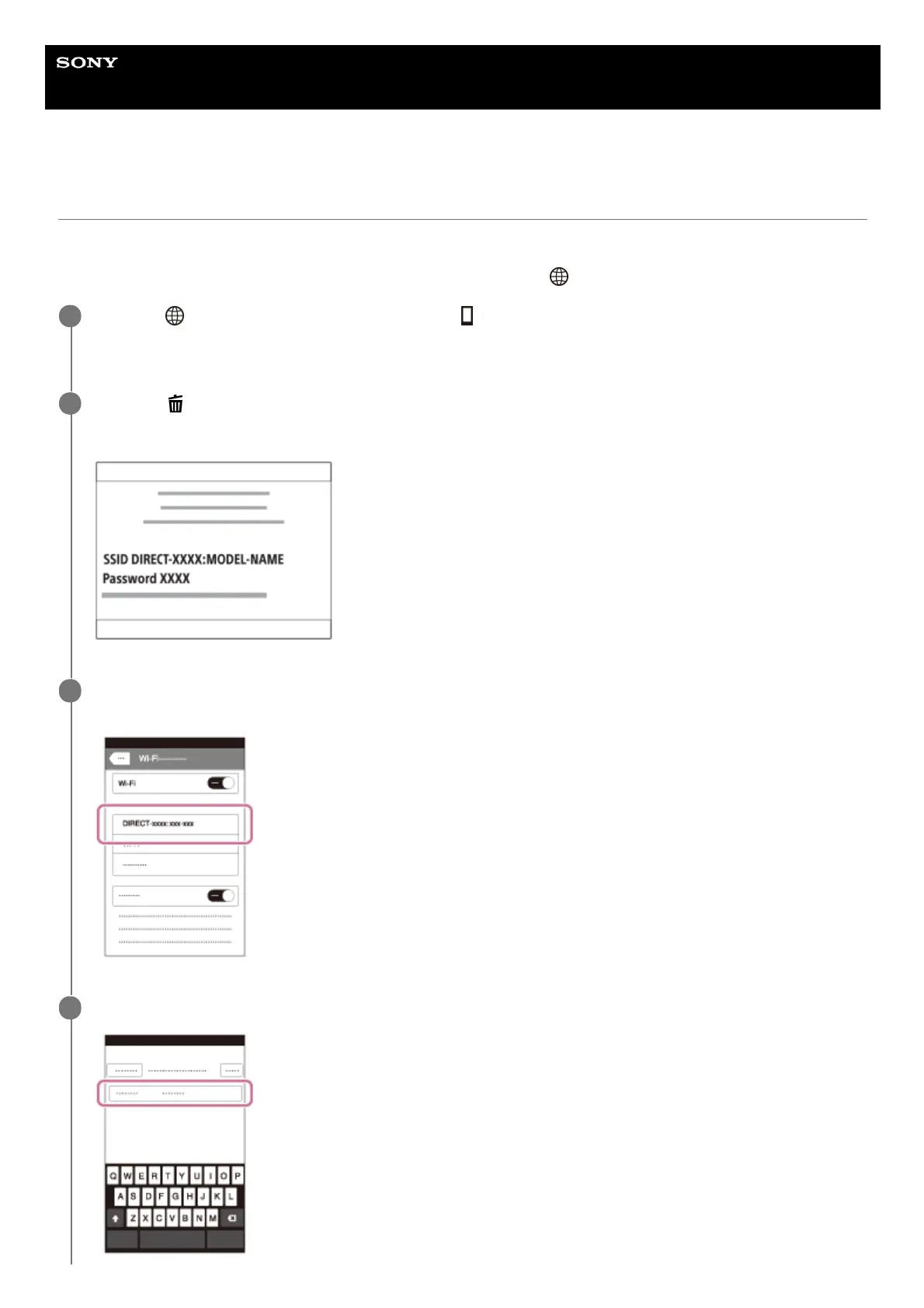
(Delete) button of this product.
This product's SSID and password are displayed on the monitor of this product.
2
Select the model name of this product (DIRECT-xxxx: xxxx) on the Wi-Fi setting screen of your iPhone or
iPad.
3
Input the password that is displayed on this product.
4



 To Next Page