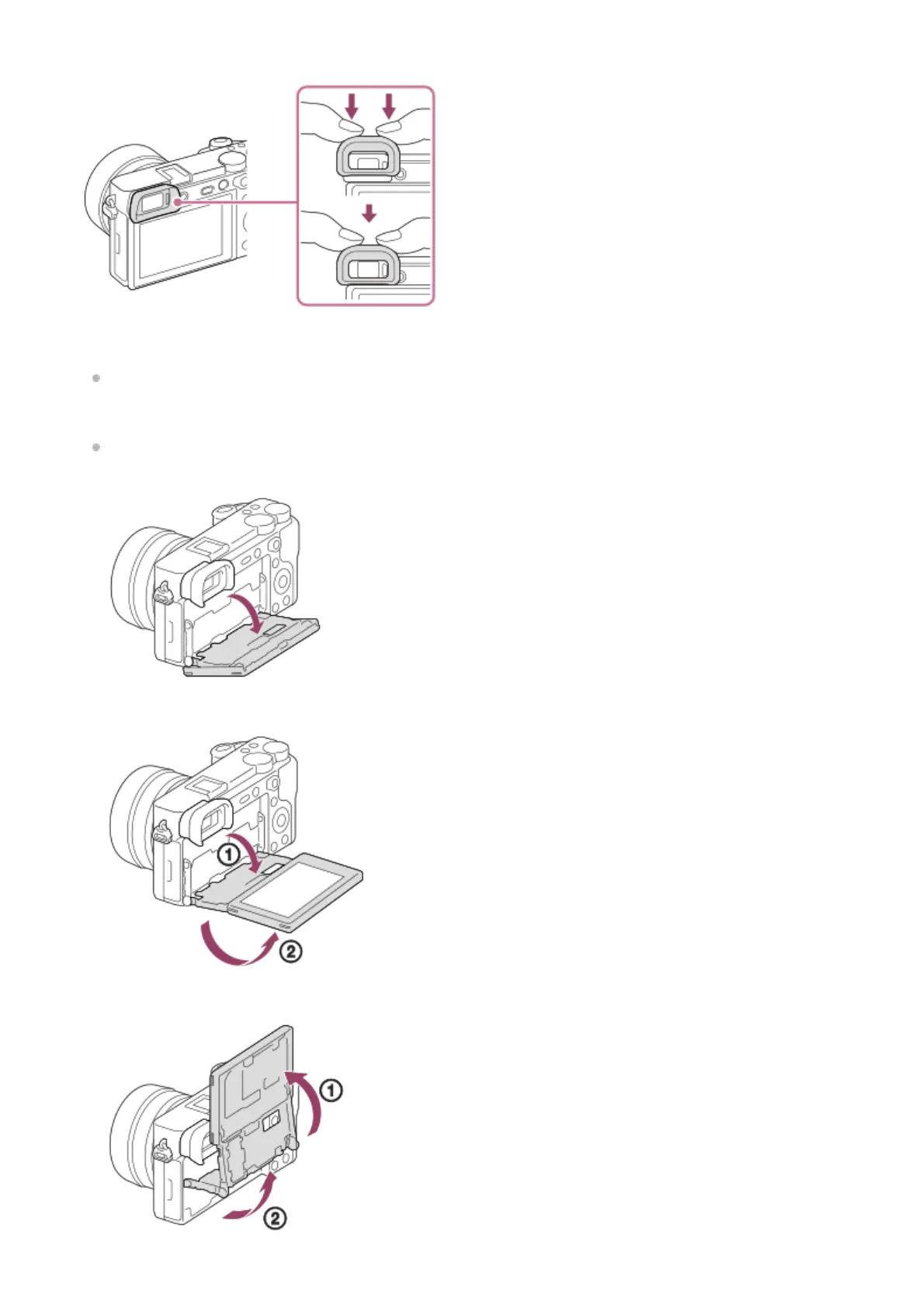
Match the eyepiece cup to the groove on the viewfinder and slide it into place.
To remove the eyepiece cup, grasp it on the left and right sides and lift it up.
Remove the eyepiece cup when you attach an accessory (sold separately) to the Multi Interface Shoe.
Monitor
You can change the monitor angle to shoot from any position you like.
High position (holding the camera high)
Low position (holding the camera low)
Selfie position (facing the monitor toward you to take a selfie)
4.



 To Next Page