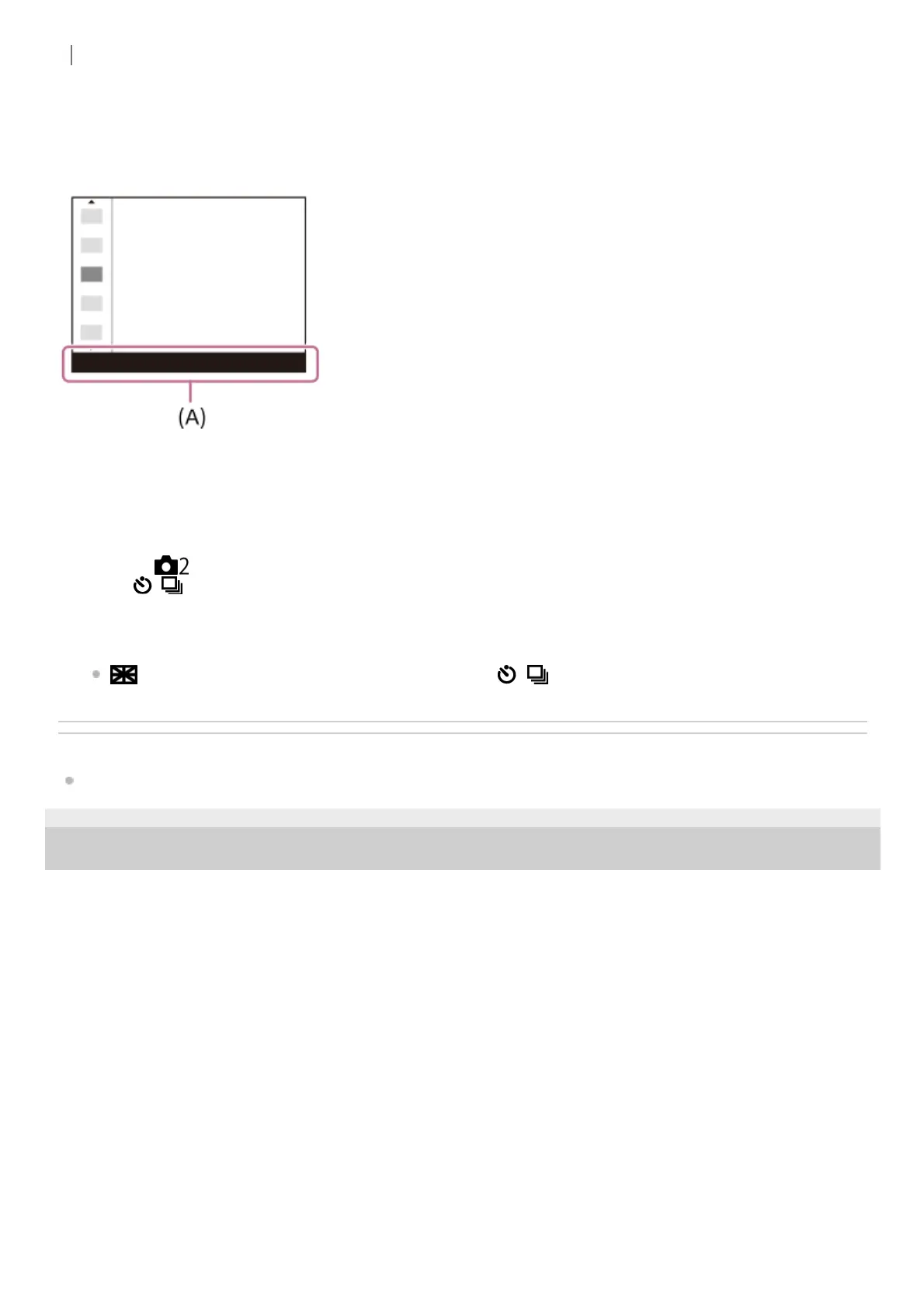
To adjust settings from the dedicated setting screens
Select the desired function in step 2, then press the center of the control wheel. The dedicated setting screen for the
function will appear. Follow the operating guide (A) to adjust settings.
To change the functions in the function menu (Function Menu Set.)
The following is the procedure for changing [Drive Mode] in the function menu to [Grid Line].
Related Topic
Assigning frequently used functions to buttons (Custom Key)
5-009-967-12(1) Copyright 2019 Sony Corporation
MENU → (Camera Settings2) → [Function Menu Set.].1.
Select
(Drive Mode) from among the twelve functions in the function menu using the top/bottom/left/right
side of the control wheel, and then press the center.
2.
Move to the [Display/Auto Review] screen using the left/right side of the control wheel. Then, select [Grid Line] and
press the center of the control wheel.
(Grid Line) will be displayed in the former location of (Drive Mode) in the function menu.
3.



 To Next Page