Help Guide
Interchangeable Lens Digital Camera
ILCE-6600 α6600
Controlling the camera using a smartphone (NFC One-touch remote)
You can connect this product to an NFC-enabled smartphone by touching them together and then operate the product
using the smartphone.
Make sure that [Ctrl w/ Smartphone] is set to [On] by selecting MENU →
(Network) → [Ctrl w/ Smartphone].
About “NFC”
NFC is a technology that enables short-range wireless communication between various devices, such as mobile phones
or IC tags, etc. NFC makes data communication simpler with just a touch on the designated touch-point.
NFC (Near Field Communication) is an international standard of short-range wireless communication technology.
Note
If you cannot make a connection, do as the following:
Launch Imaging Edge Mobile on your smartphone, and then move the smartphone slowly toward the
(N-Mark) of this
product.
If the smartphone is in a case, remove it.
If the product is in a case, remove it.
Check whether the NFC function is activated on your smartphone.
Activate the NFC function of the smartphone.
On an iPhone/iPad, launch Imaging Edge Mobile, and then select [Scan NFC/QR Code of the Camera] →
[Scan NFC of the Camera] to activate the NFC function.
1
Switch this product to shooting mode.
The NFC function is available only when the
(N-Mark) is displayed on the screen.
2
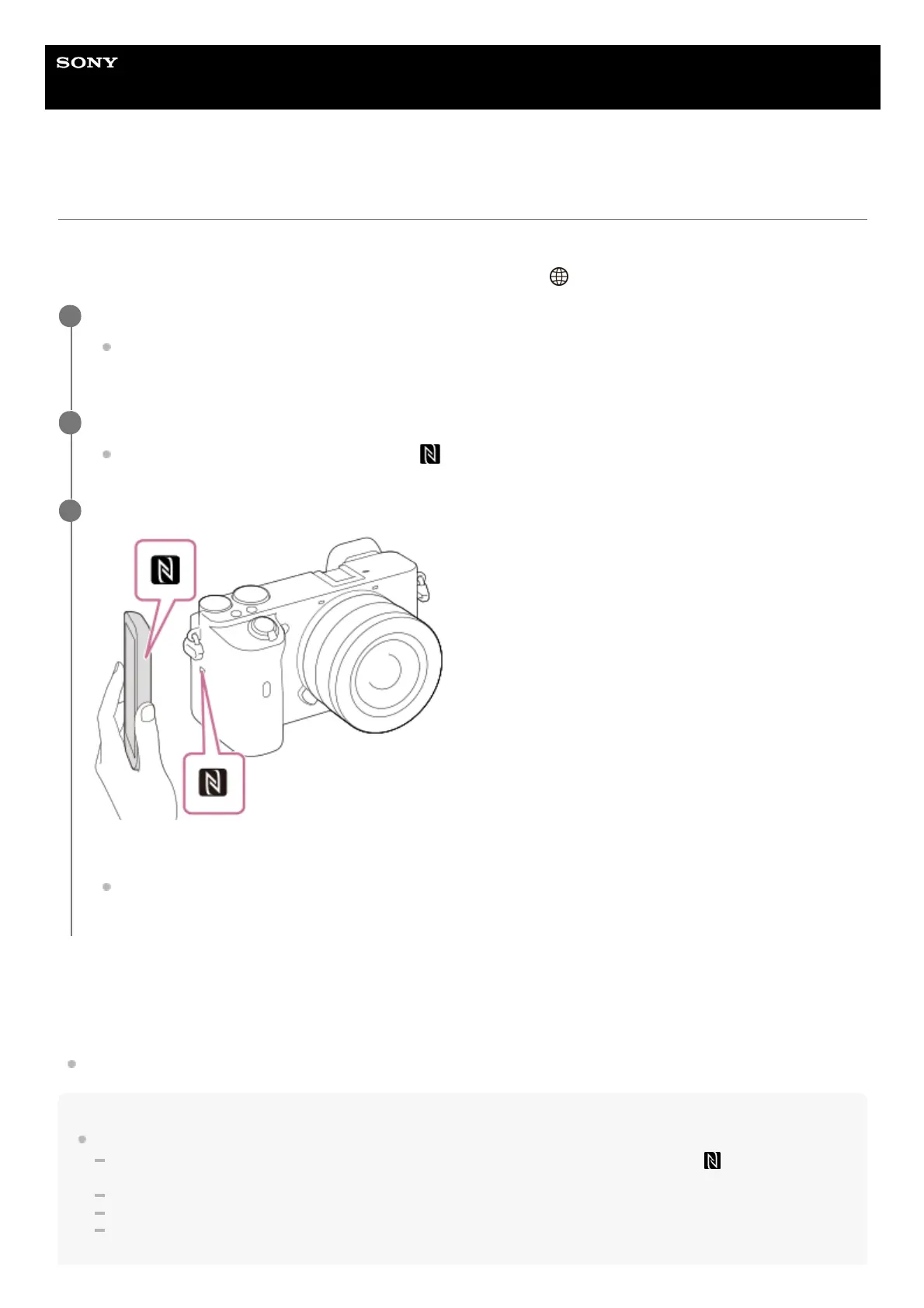
Keep touching the smartphone to the camera for 1 to 2 seconds.
The smartphone and the camera are connected.
You can shoot an image via remote control while checking the composition of the image on the Imaging Edge
Mobile screen.
3



 To Next Page