Help Guide
Interchangeable Lens Digital Camera
ILCE-6600 α6600
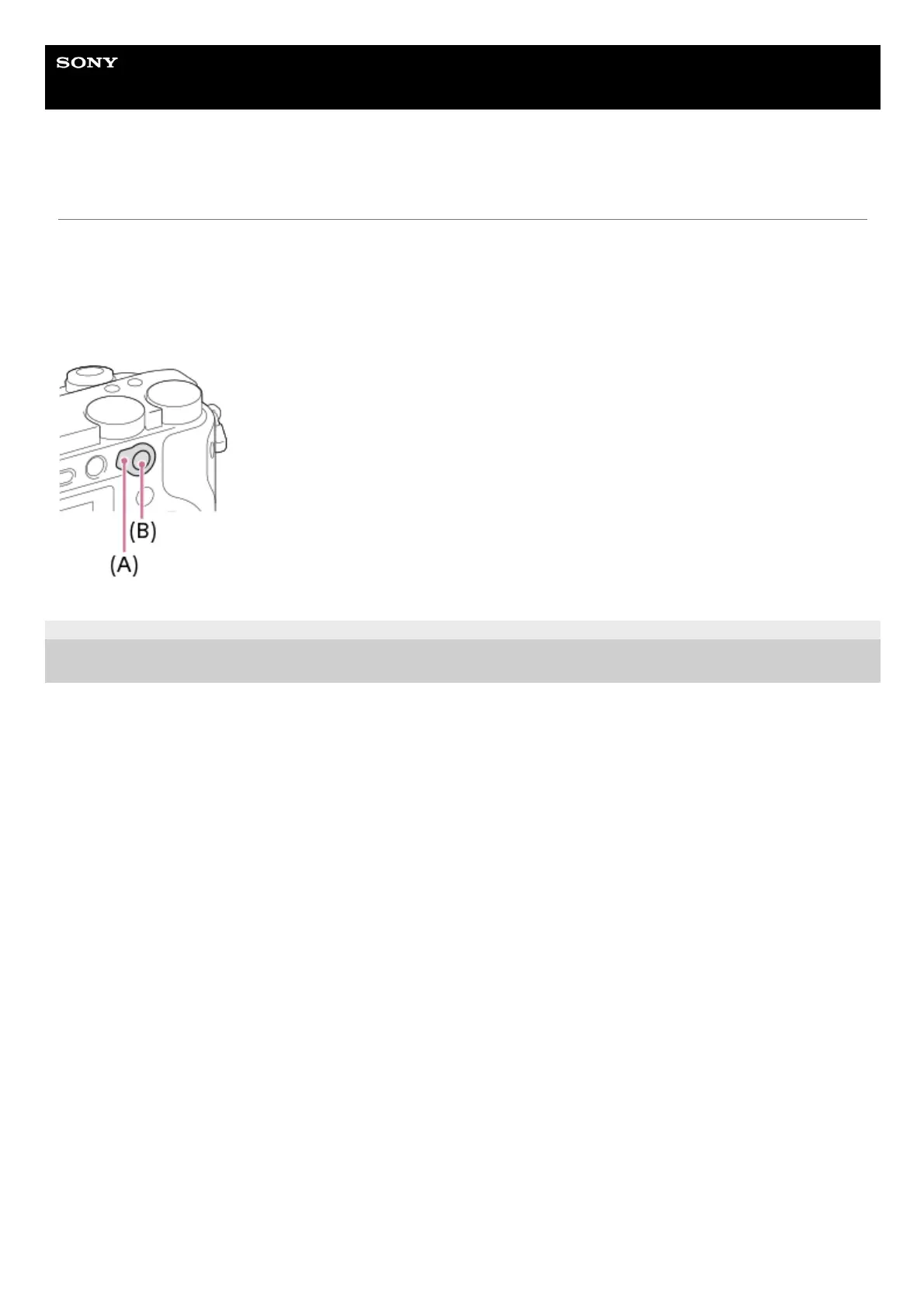
Using the AF/MF/AEL switch lever
You can switch the function of the AF/MF/AEL button to AF/MF or AEL by changing the position of the AF/MF/AEL switch
lever.
When you move the AF/MF/AEL switch lever (A) to the AF/MF position and press the button (B), the focusing mode
temporarily switches between auto and manual (AF/MF control). When you move the AF/MF/AEL switch lever to the AEL
position and press the button, the exposure is locked (AE lock).
5-009-967-12(1) Copyright 2019 Sony Corporation



 To Next Page