To adjust the image brightness, color tone, etc. ( My Image Style)
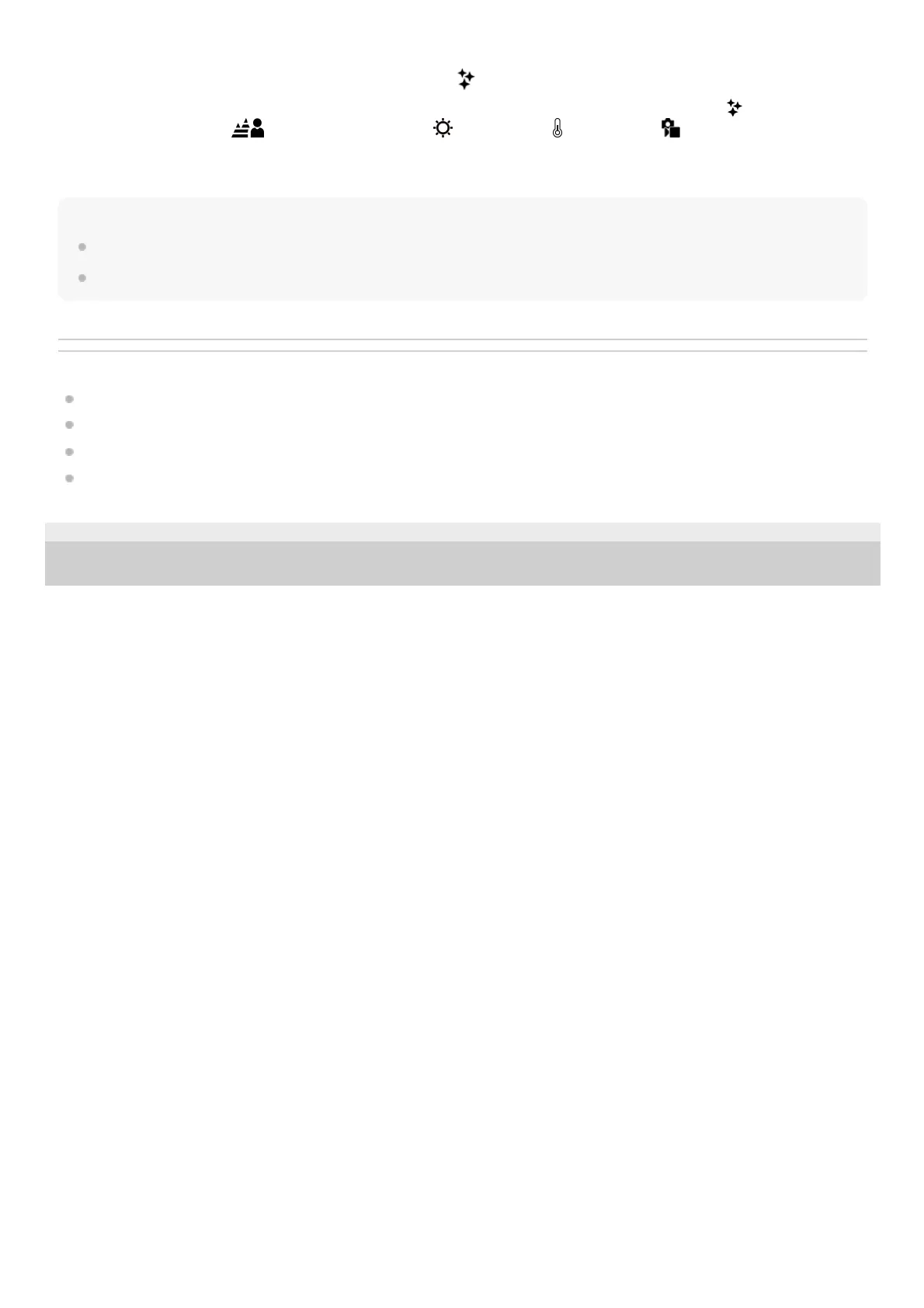
Swipe the monitor left or right to display the touch function icons on the shooting screen, and touch
(image
adjustment). You can set
(Background Defocus), (Brightness), (Color), and [ Creative Look] to your
preferences. Touch each icon at the bottom of the screen to set each item.
For details, refer to “ Adjusting images in the auto mode (My Image Style) .”
Note
The product will not recognize the scene when you shoot still images with zoom functions other than optical zoom.
The product may not properly recognize the scene under certain shooting conditions.
Related Topic
Auto/Scene Selection
Touch function icons
Adjusting images in the auto mode (My Image Style)
Creative Look (still image/movie)
TP1000787879
5-051-980-12(1) Copyright 2023 Sony Corporation



 To Next Page