Help Guide
Interchangeable Lens Digital Camera
ILCE-6700 α6700
Cont. Shooting
Shoots images continuously while you press and hold down the shutter button.
Menu item details
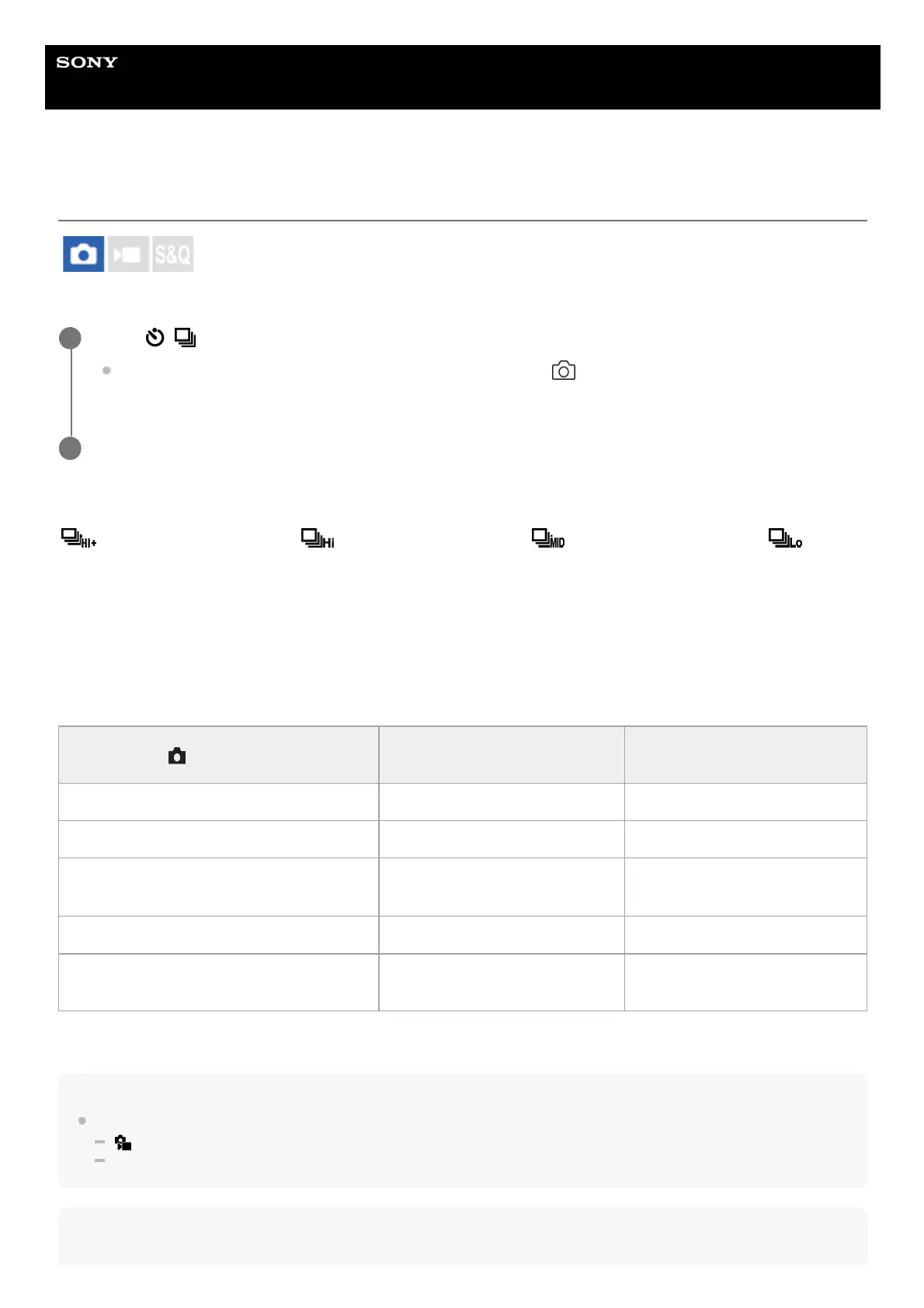
Continuous Shooting: Hi+ / Continuous Shooting: Hi / Continuous Shooting: Mid/
Continuous Shooting: Lo
Number of still images recordable with continuous shooting
The following table shows estimated numbers of recordable still images with [Drive Mode] set to [Continuous Shooting:
Hi+]. The numbers may vary depending on the shooting conditions and the memory card.
Image Size:[L: 26M]
Hint
To continuously adjust the focus and exposure during continuous shooting, set as follows:
[
Focus Mode]: [Continuous AF]
[AEL w/ Shutter]: [Off] or [Auto]
Note
Select / (Drive Mode) of the control wheel → [Cont. Shooting].
You can also set the continuous shooting by selecting MENU →
(Shooting) → [Drive Mode] → [Drive
Mode].
1
Select the desired mode using the right/left side of the control wheel.
2
File Format
Number of images when JPEG
is selected
Number of images when HEIF
is selected
JPEG/HEIF (Fine) Approx. 1 000 images or more Approx. 1 000 images or more
RAW (Compressed RAW) Approx. 59 images Approx. 59 images
RAW & JPEG/RAW & HEIF (Compressed
RAW)*
Approx. 44 images Approx. 48 images
RAW (Lossless compression RAW) Approx. 23 images Approx. 23 images
RAW & JPEG/RAW & HEIF (Lossless
compression RAW)*
Approx. 18 images Approx. 20 images
When [JPEG Quality]/[HEIF Quality] is set to [Fine].
*



 To Next Page