Help Guide
Interchangeable Lens Digital Camera
ILCE-6700 α6700
Sbj Recog Frm Disp. (movie)
Sets whether to display a subject recognition frame when a subject is recognized.
Menu item details
On:
Displays a recognition frame when a subject is recognized.
Off:
Does not display a recognition frame when a subject is recognized.
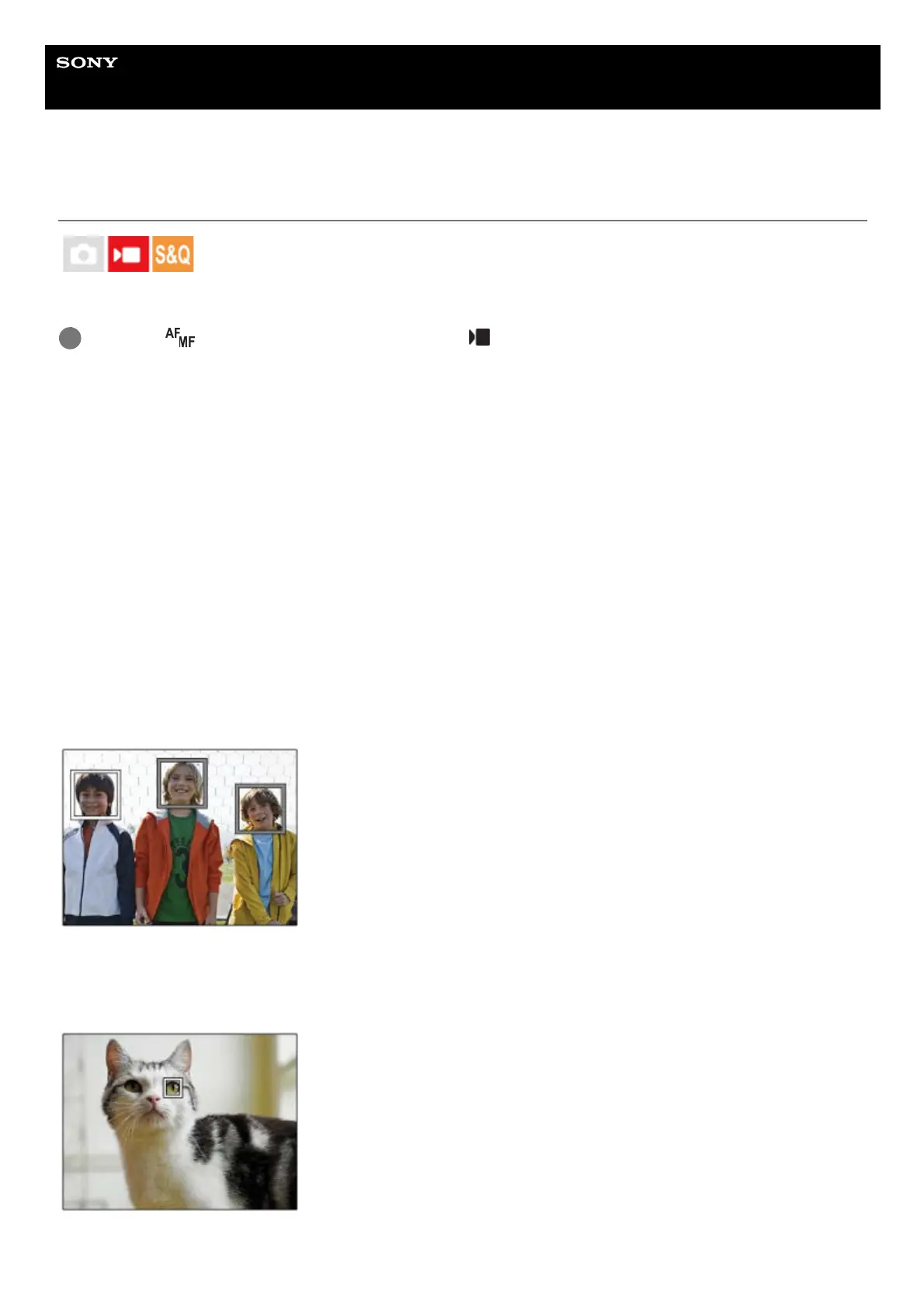
Subject recognition frame
When the camera recognizes a subject and determines that the subject is a target for auto-focusing, the white subject-
recognition frame appears.
The recognition frame is automatically prioritized and displayed where a more precise recognition target (such as eyes)
is recognized.
When [Human] is selected:
When the camera recognizes a subject, the white or gray subject-recognition frame appears around the eye, face, or
body.
When [Animal/Bird], [Animal], or [Bird] is selected:
When the camera recognizes a subject, the white subject-recognition frame appears around the eye, head, or body.
MENU → (Focus) → [Subject Recognition] → [ Sbj Recog Frm Disp.] → desired setting.
1



 To Next Page