Help Guide
Interchangeable Lens Digital Camera
ILCE-6700 α6700
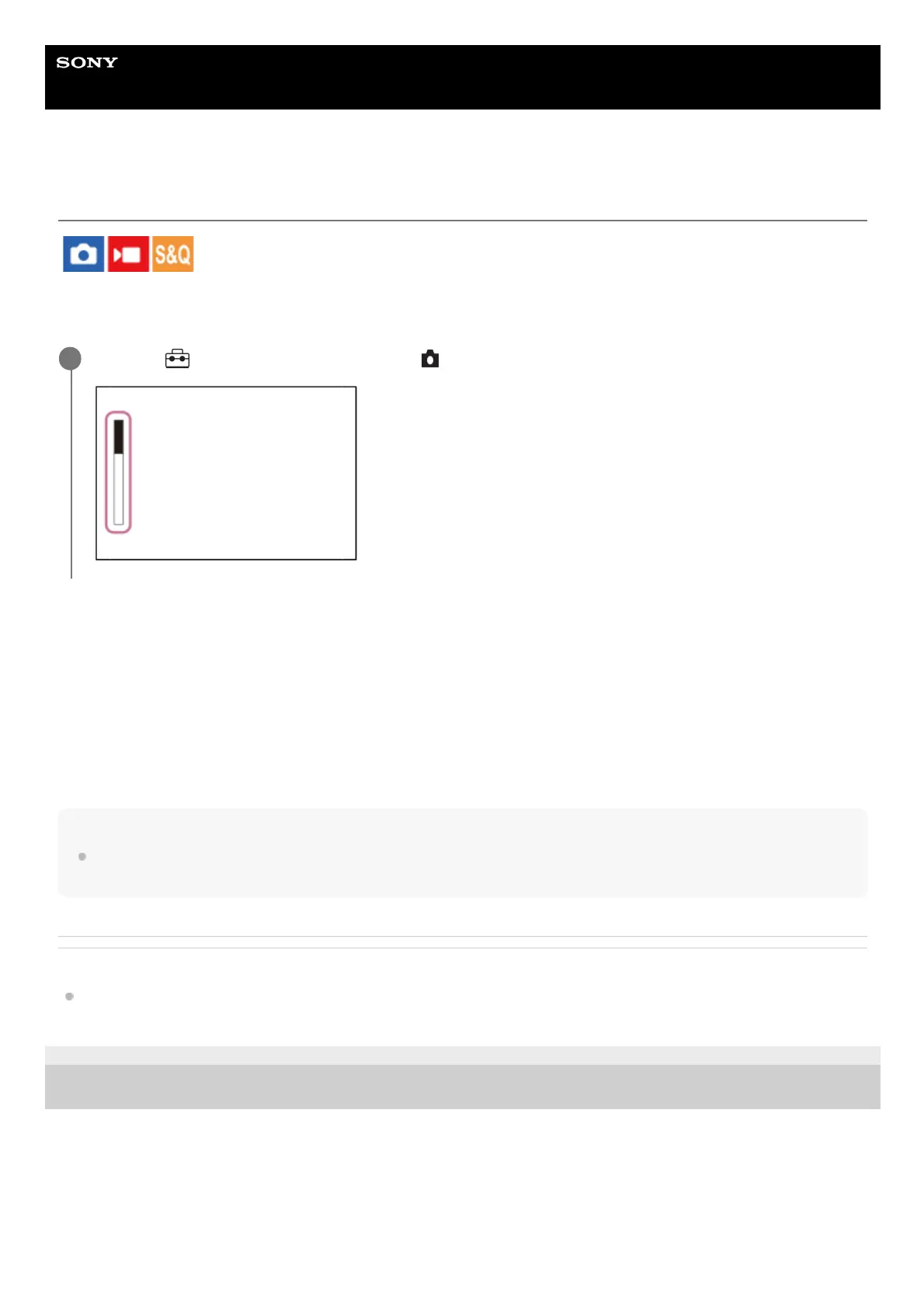
Remain Shoot Display (still image)
Sets whether or not to display an indicator of the remaining number of still images that can be continuously shot at the
same shooting speed.
Menu item details
Always Display:
Always displays the indicator when shooting still images.
Shoot-Only Display:
While shooting still images, an indicator of the remaining number of still images is displayed. When you press the shutter
button halfway down, an indicator of the remaining number of still images is displayed.
Not Displayed:
Does not display the indicator.
Hint
When the internal camera memory for buffering is full, “SLOW” will be displayed and the continuous shooting speed will
decrease.
Related Topic
Cont. Shooting
TP1000824060
5-051-980-12(1) Copyright 2023 Sony Corporation
MENU →
(Setup) → [Display Option] → [ Remain Shoot Display] → desired setting.
1



 To Next Page