Help Guide
Interchangeable Lens Digital Camera
ILCE-6700 α6700
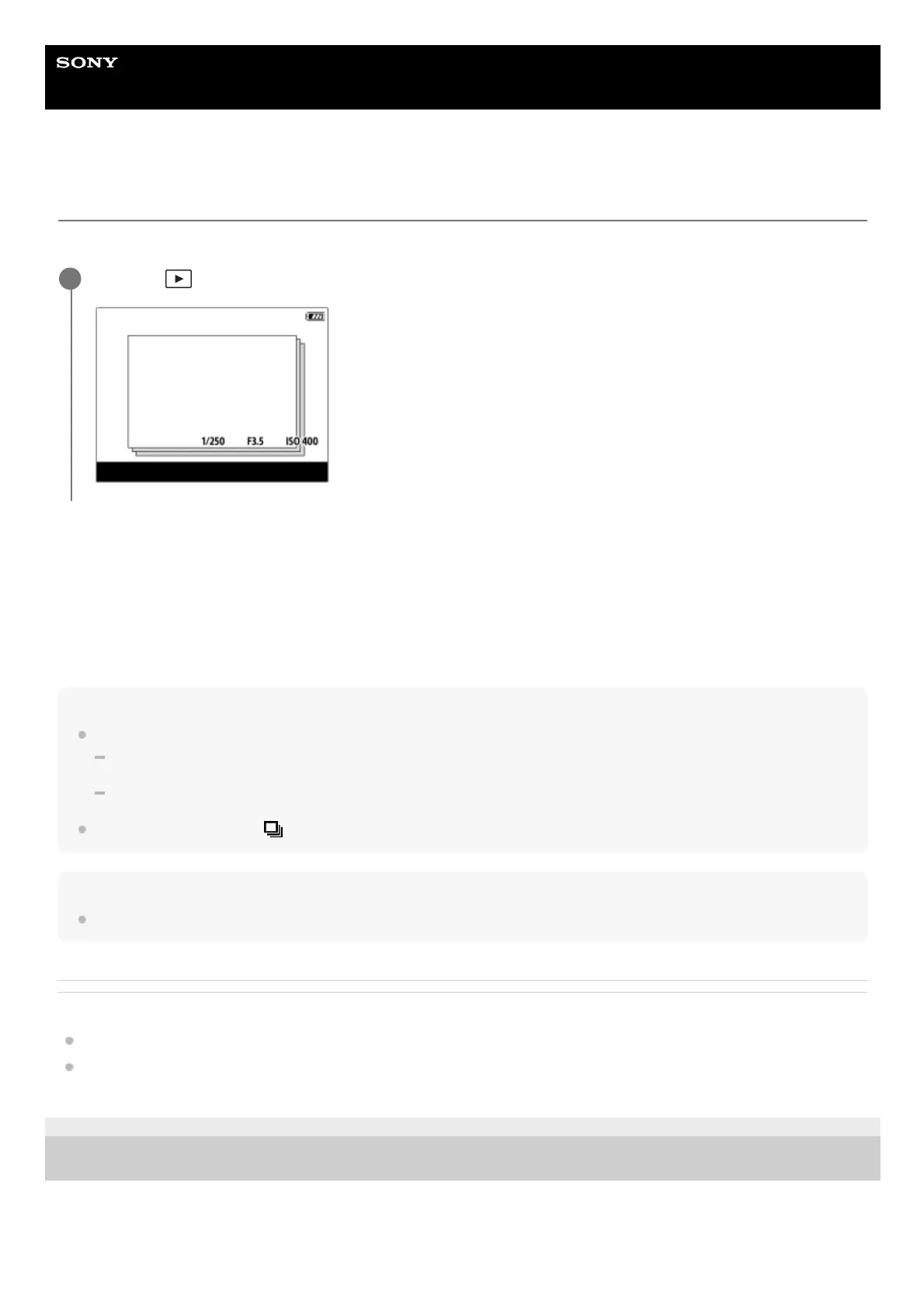
Display as Group
Sets whether or not to display continuously shot images or images shot using interval shooting as a group.
Menu item details
On:
Displays images as a group.
To play back the images in a group, select the group and press the center of the control wheel.
Off:
Does not display images as a group.
Hint
The following images are grouped.
Images shot with [Drive Mode] set to [Cont. Shooting] (One sequence of images shot continuously by holding down the shutter
button during continuous shooting becomes one group.)
Images shot with [Interval Shoot Func.] (Images shot during one session of interval shooting become one group.)
On the image index screen,
(Display as Group) icon is displayed over the group.
Note
If you delete the group, all the images in the group will be deleted.
Related Topic
Cont. Shooting
Interval Shoot Func.
TP1000825151
5-051-980-12(1) Copyright 2023 Sony Corporation
MENU →
(Playback) → [Playback Option] → [Display as Group] → desired setting.
1



 To Next Page