Related Topic
List of icons on the screen for shooting still images
List of icons on the screen for shooting movies
List of icons on the playback screen
TP1000940048
5-051-980-12(1) Copyright 2023 Sony Corporation
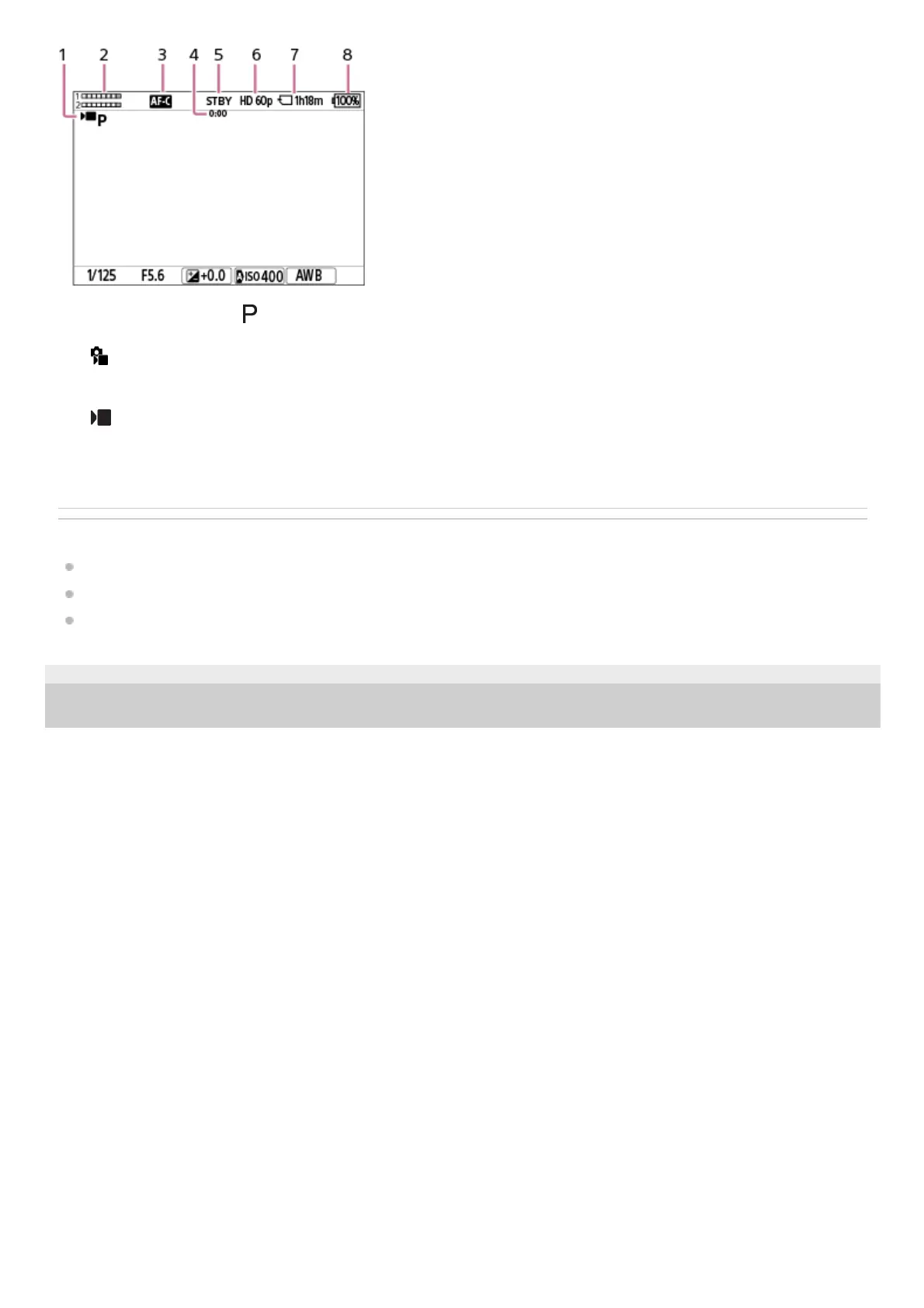
The mode dial is set to
(Program Auto).1.
Audio level2.
[
Focus Mode] is set to [Continuous AF].3.
Actual shooting time of the movie4.
The camera is in the shooting standby mode.5.
[
File Format] is set to [XAVC S HD] and [Rec Frame Rate] is set to [60p].6.
Recordable movie time on the memory card7.
Remaining battery level8.



 To Next Page