Help Guide
Interchangeable Lens Digital Camera
ILCE-7C α7C
Shooting still images
To shoot images with the focus locked on the desired subject (Focus-lock)
Shoots images with the focus locked on the desired subject in auto focus mode.
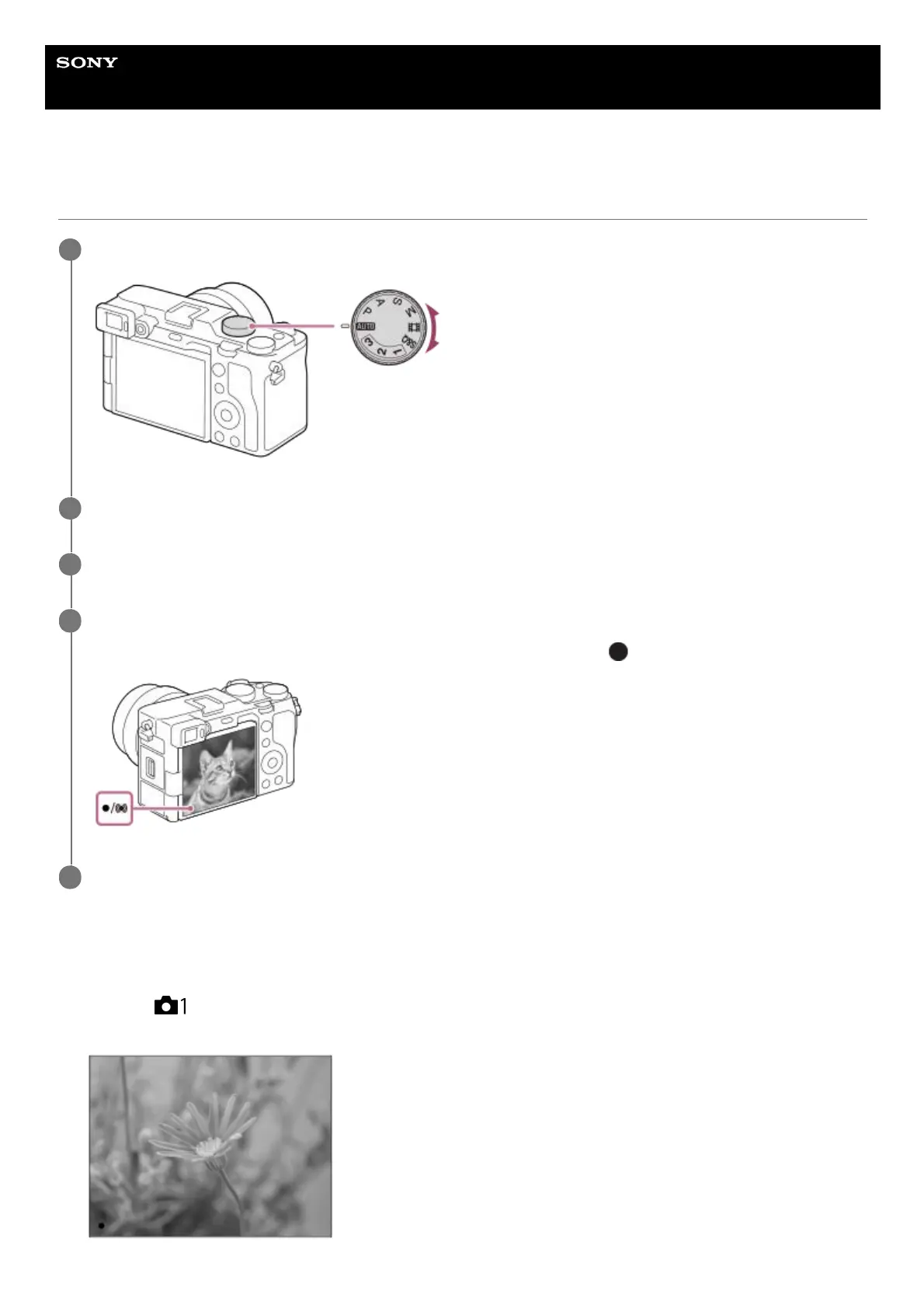
Select the desired shooting mode by turning the mode dial.
1
Adjust the monitor angle, and hold the camera. Or look through the viewfinder and hold the camera.
2
When a zoom lens is mounted, enlarge images by rotating the zoom ring.
3
Press the shutter button halfway down to focus.
When the image is in focus, a beep sounds and the focus indicator (such as
) lights up.
4
Press the shutter button fully down.
5
MENU →
(Camera Settings1) → [Focus Mode] → [Single-shot AF] or [Automatic AF].1.
Place the subject within the AF area and press the shutter button halfway down.
2.



 To Next Page