Help Guide
Interchangeable Lens Digital Camera
ILCE-7C α7C
Focus Area
Selects the focusing area. Use this function when it is difficult to focus properly in the auto focus mode.
Menu item details
Wide :
Focuses on a subject covering the whole range of the screen automatically. When you press the shutter button halfway
down in the still image shooting mode, a green frame is displayed around the area that is in focus.
Zone :
Select a zone on the monitor on which to focus, and the product will automatically select a focus area.
Center :
Focuses automatically on a subject in the center of the image. Use together with the focus-lock function to create the
composition you want.
Flexible Spot :
Allows you to move the focusing frame to a desired point on the screen and focus on an extremely small subject in a
narrow area.
Expand Flexible Spot :
If the product cannot focus on a single selected point, it uses focus points around the flexible spot as a secondary priority
area for focusing.
Tracking:
When the shutter button is pressed and held halfway down, the product tracks the subject within the selected autofocus
area. This setting is available only when the focus mode is set to [Continuous AF]. Point the cursor at [Tracking] on the
[Focus Area] setting screen, and then select the desired area to start tracking using the left/right sides of the control
wheel. You can also move the tracking start area to the desired point by designating the area as a zone, flexible spot or
expand flexible spot.
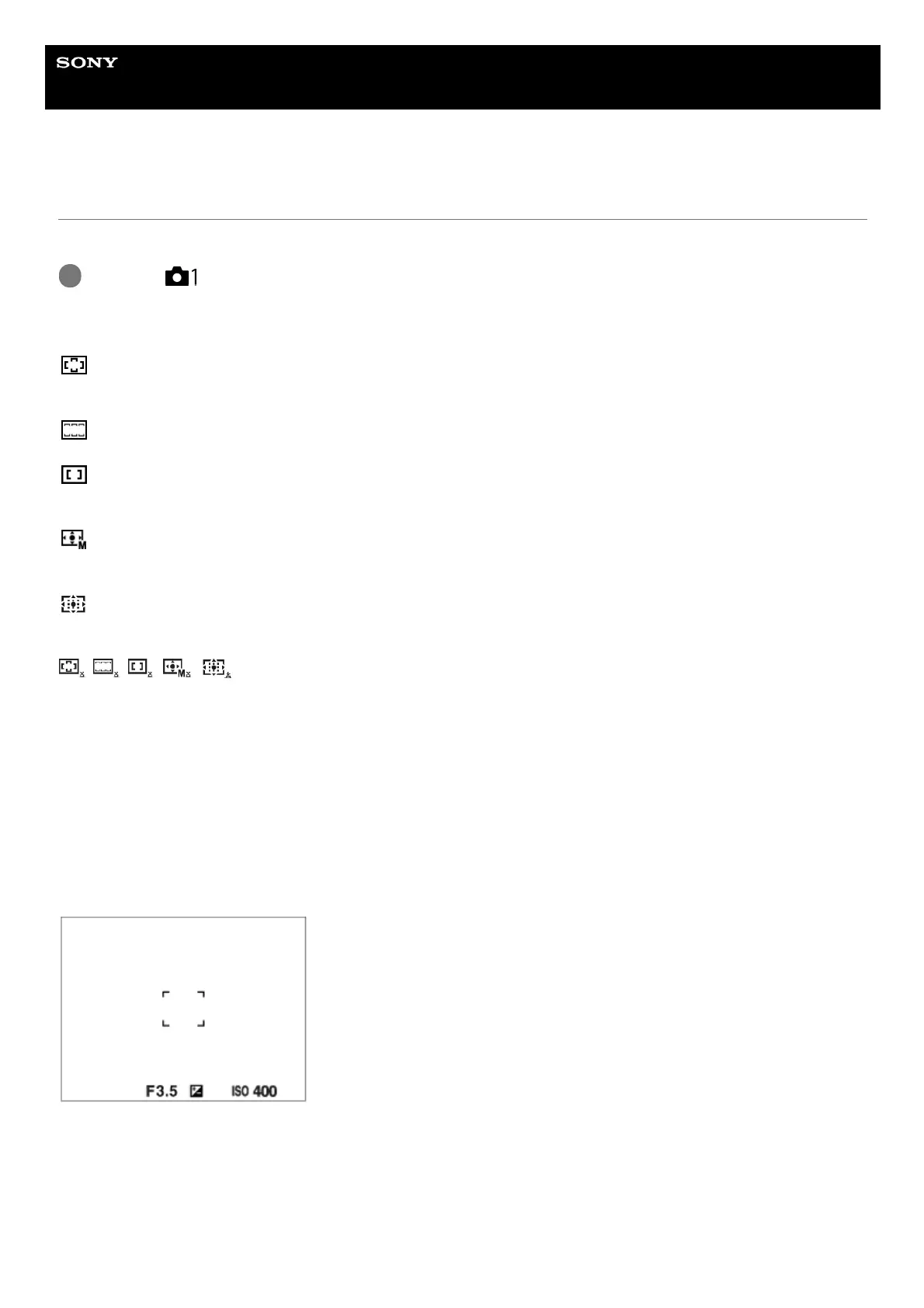
Examples of the focusing frame display
The focusing frame differs as follows.
When focusing on a larger area
When focusing on a smaller area
MENU →
(Camera Settings1) → [Focus Area] → desired setting.
1



 To Next Page