Interchangeable Lens Digital Camera
ILCE-7/ILCE-7R
Playing back panoramic images
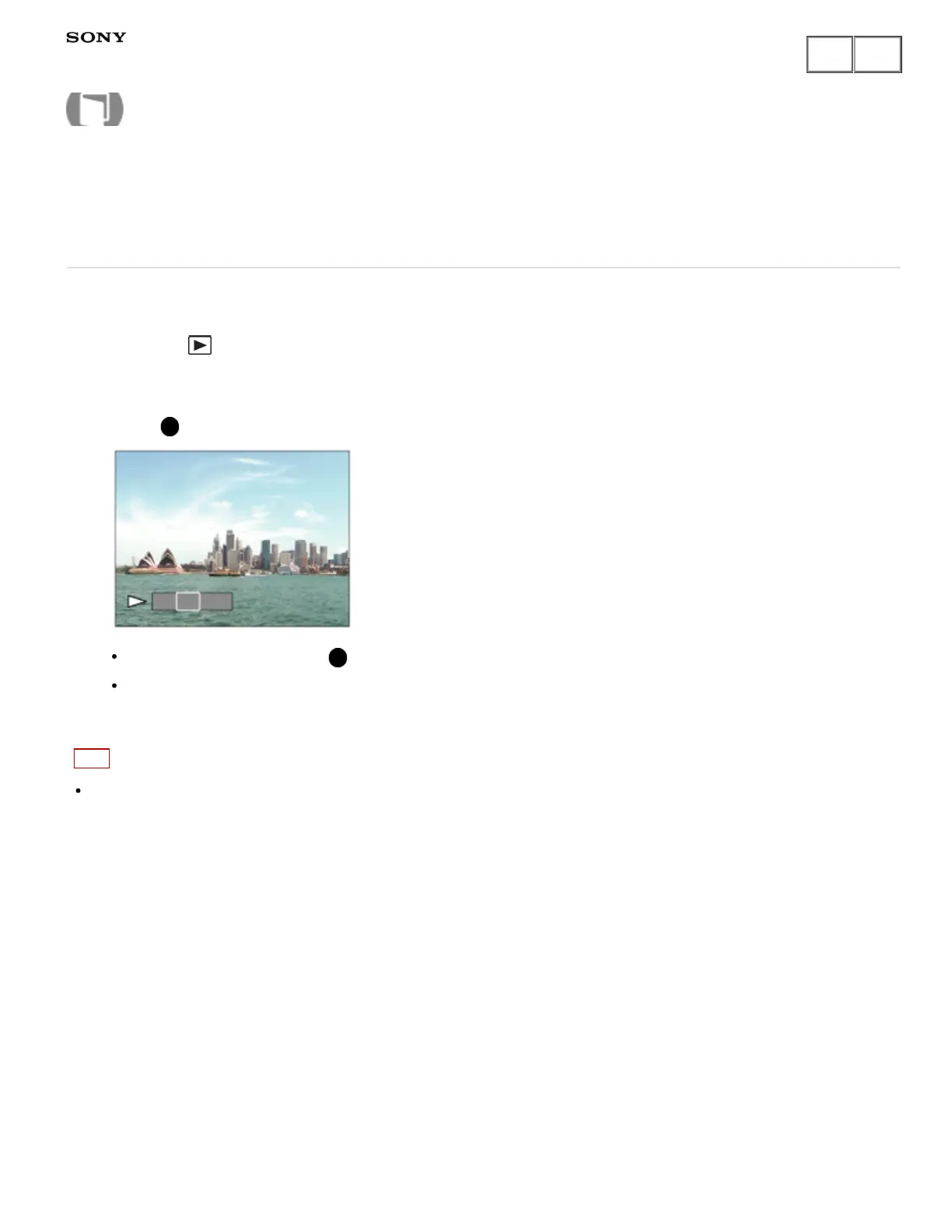
The product automatically scrolls a panoramic image from end to end.
1. Press the (playback) button to switch to playback mode.
2. Select the panoramic image to be played back using the control wheel.
3. Press on the center to play back the image.
To pause playback, press on the center again.
To return to the display of the entire image, press the MENU key.
Note
Panoramic images shot using other product may be displayed in a different size from the actual size, or may
not scroll correctly.
Notes on use
4-484-060-11(1)
Copyright 2013 Sony Corporation
Help Guide
How to Use



 To Next Page