28
GB
Getting Started
Step 6: Selecting the
Source
You can select the playback source.
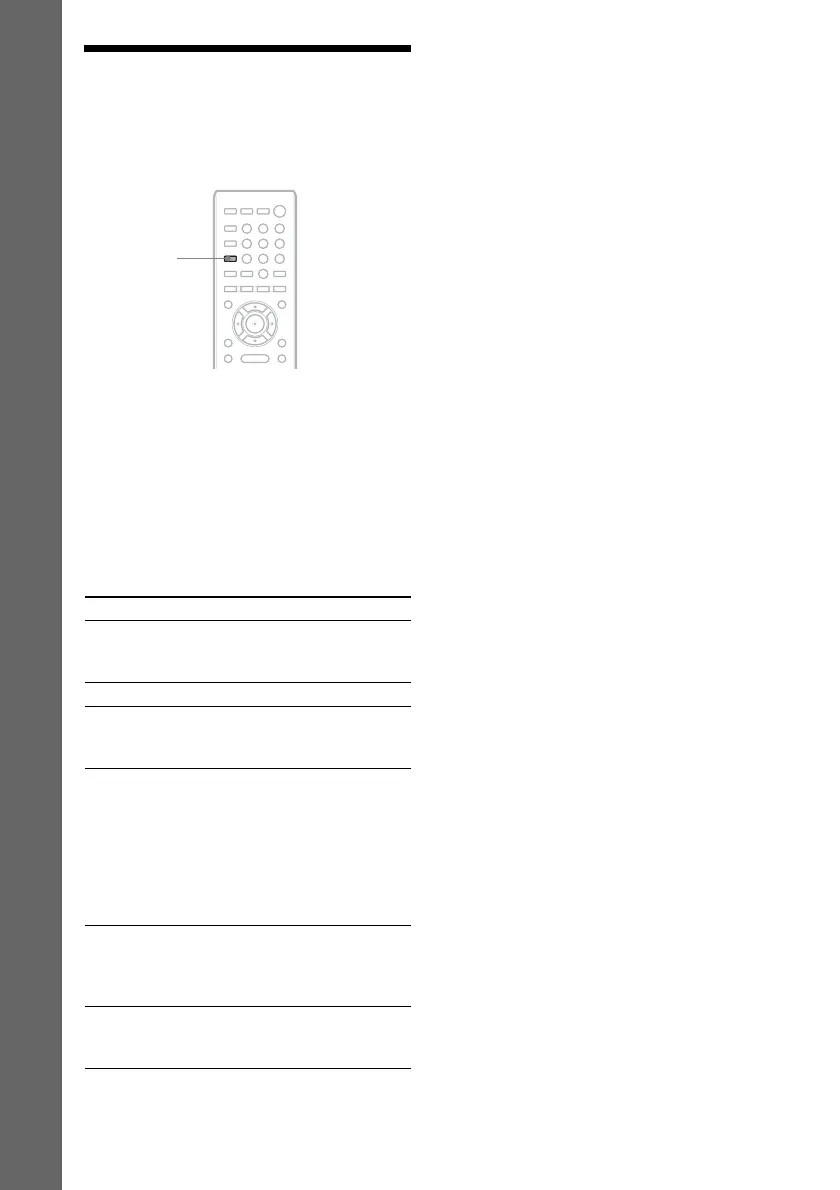
Press FUNCTION repeatedly until the
desired function appears in the front panel
display.
Each time you press FUNCTION, the function
changes as follows.
“BD/DVD” t “FM” t “HDMI1” t
“HDMI2” t “TV” t “SAT/CABLE” t
“AUDIO” t “BD/DVD” t …
Function Source
“BD/DVD” Disc, USB device, iPod/iPhone, or
network device to be played by the
system
“FM” FM radio (page 43)
“HDMI1”/
“HDMI2”
Component that is connected to
the HDMI (IN 1) or HDMI (IN 2)
jack on the rear panel (page 21)
“TV” Component (TV, etc.) that is
connected to the TV (DIGITAL
IN OPTICAL) jack on the rear
panel, or a TV compatible with the
Audio Return Channel function
that is connected to the HDMI
(OUT) jack on the rear panel
(page 19)
“SAT/CABLE” Component that is connected to
the SAT/CABLE (DIGITAL IN
COAXIAL) jack on the rear panel
(page 21)
“AUDIO” Component that is connected to
the AUDIO (AUDIO IN L/R)
jacks on the rear panel (page 21)
8
0
97
564
231
FUNCTION


 To Next Page