Basics
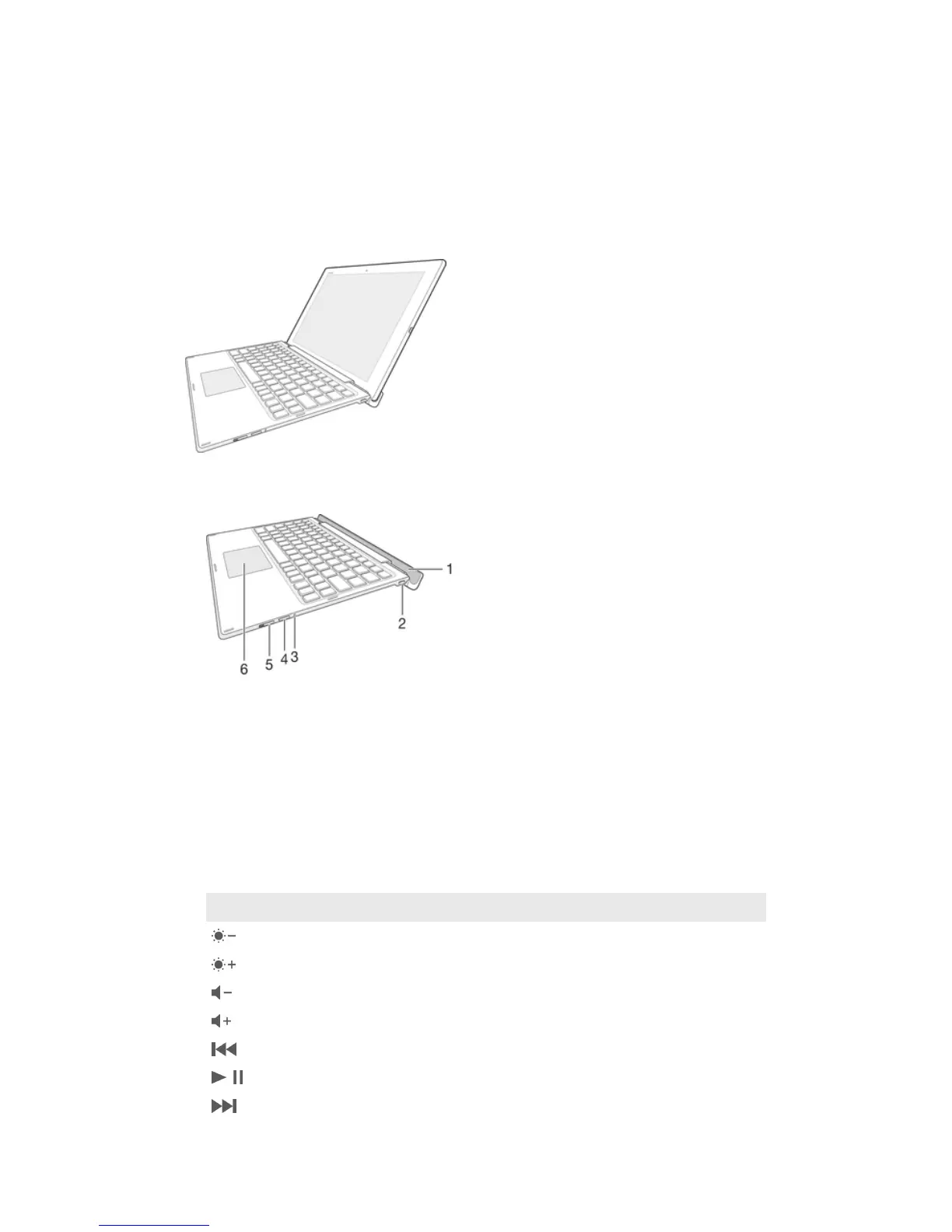
General overview
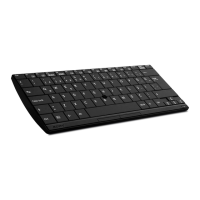
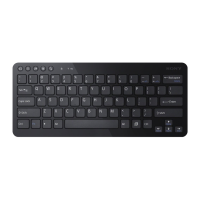
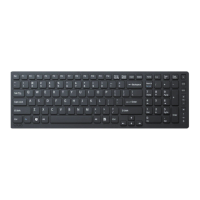
The BKB50Bluetooth Keyboard helps you use your Xperia™ Z4 Tablet like a PC and
is convenient when you are on the move. You can pair the Bluetooth Keyboard easily
with the tablet using the NFC function. Once it’s set up and attached to your tablet,
the Bluetooth Keyboard can detect when your tablet is closed and can switch off, if
necessary, to save power.
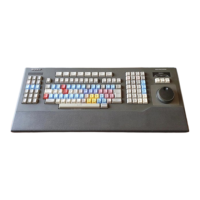
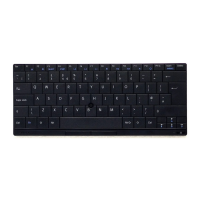
Keyboard overview
1 Groove for tablet
2 Charging port
3 Notification light
4 Pair key
5 Power switch
6 Touchpad
Keypad controls
Key symbol
Key combination Function
Fn + F1 Decrease the brightness.
Fn + F2 Increase the brightness.
Fn + F3 Decrease the volume.
Fn + F4 Increase the volume.
Fn + F5 Go to the previous audio or video file.
Fn + F6 Play or pause the current audio or video file.
Fn + F7 Go to the next audio or video file.
3
This is an Internet version of this publication. © Print only for private use.



 To Next Page