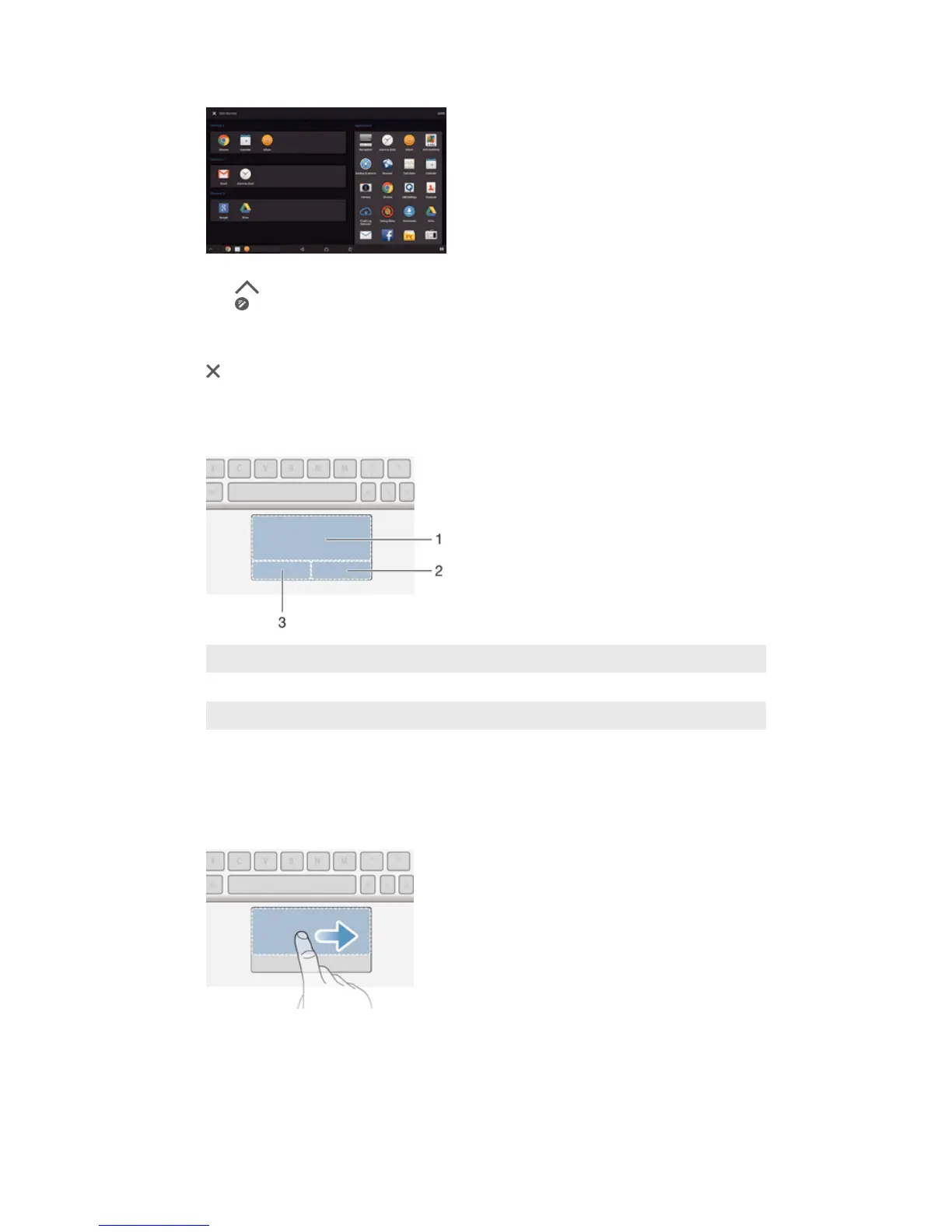
To create and delete application shortcuts
1
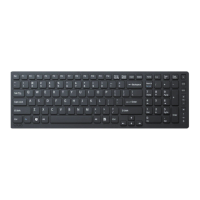
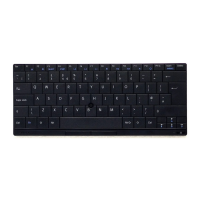
Make sure the keyboard and the tablet are both turned on and paired.
2
Tap
.
3
Tap .
4
To add an application shortcut, drag and drop the application from the
Applications list on the right of the screen to the Shortcut list on the left.
5
To delete an application shortcut, drag the application from the Shortcut list to
at the bottom of the screen.
6
Tap SAVE.
Using the touchpad
1
Active zone
2
Right button zone
3
Left button zone
To use the pointer
1
Slide one finger on the touchpad until you locate the pointer on the screen,
then move it to the desired position.
2
Press the left button zone or right button zone to execute commands or display
menus.
9
This is an Internet version of this publication. © Print only for private use.



 To Next Page