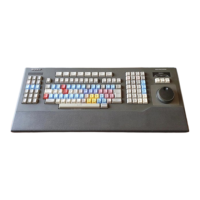
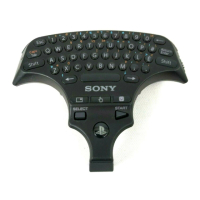
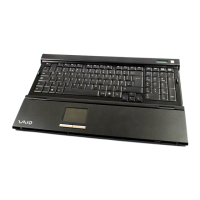
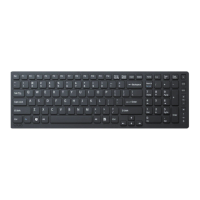
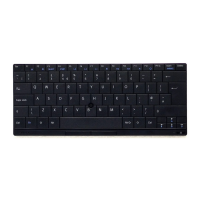
Using your Bluetooth Keyboard
Tablet settings for Danish and Norwegian users
For Nordic keyboard users, the default keyboard layout on your tablet is Swedish and
Finnish. Danish and Norwegian users can switch the keyboard layout to their
respective languages via the Keyboard Layout settings on the tablet.
To switch the keyboard layout to Danish or Norwegian
1
From your Home screen, tap
.
2
Find and tap Settings > Language & input > BKB50 > SET UP KEYBOARD
LAYOUTS.
3
Select Norwegian or Danish.
4
Go back to the previous screen or the Home screen.
PC style keyboard launcher application
A keyboard launcher application opens when the keyboard and tablet are paired and
connected. This application helps you to:
•
Launch applications
•
Modify shortcuts
•
View and adjust keyboard settings
•
Update the keyboard firmware
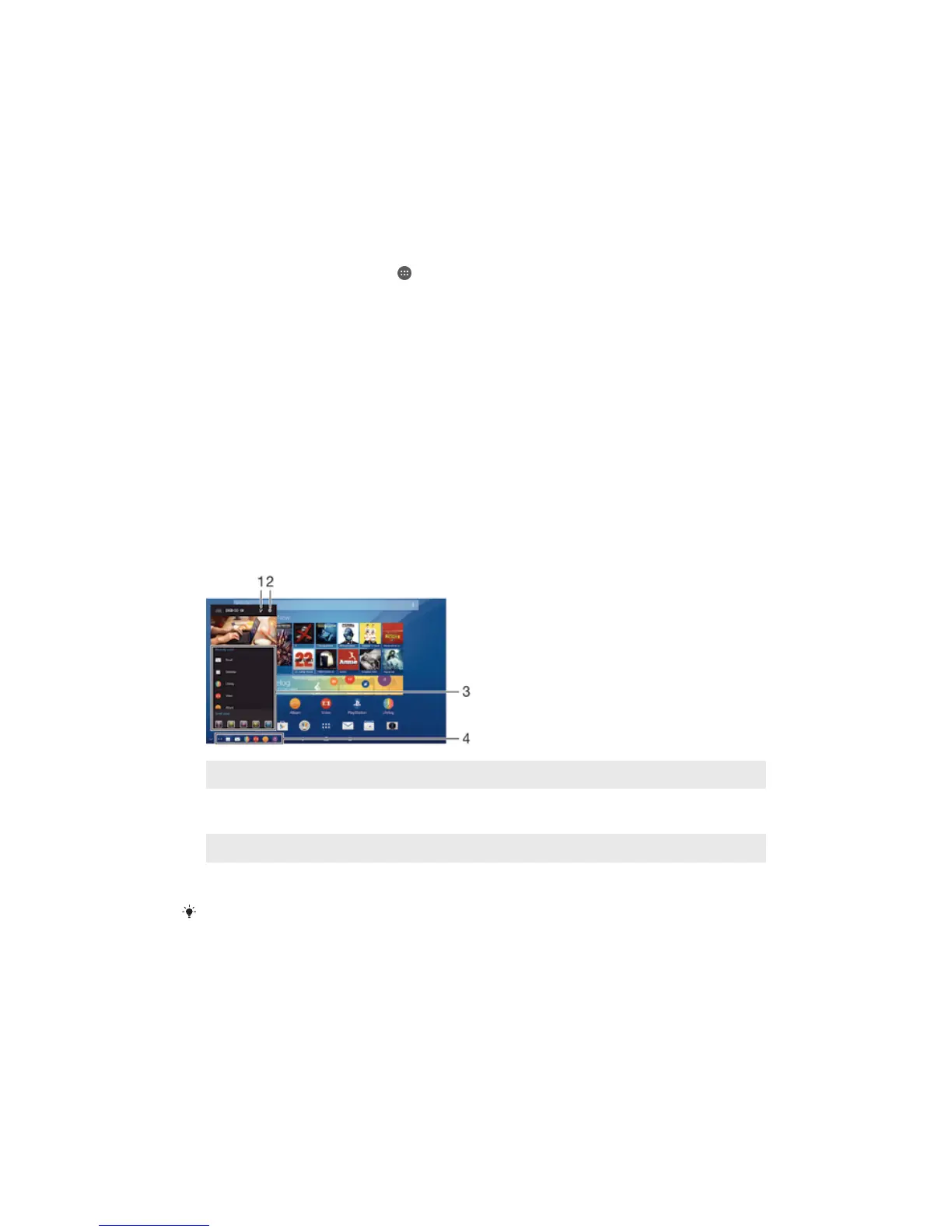
Overview of PC style keyboard launcher
1
Edit shortcuts.
2
Follow the on-screen instructions to adjust settings or update the keyboard
firmware.
3
Launch a recently used application or a small app.
4
Tap a shortcut to launch frequently used applications.
When the keyboard and tablet are paired and connected, a dialogue box opens if an update is
available. If you select No in the dialogue box, you can manually update the keyboard later
from the Settings menu.
8
This is an Internet version of this publication. © Print only for private use.



 To Next Page