Power & Display/Picture
2 | P a g e
TV cannot turn on (no power) or TV screen is black
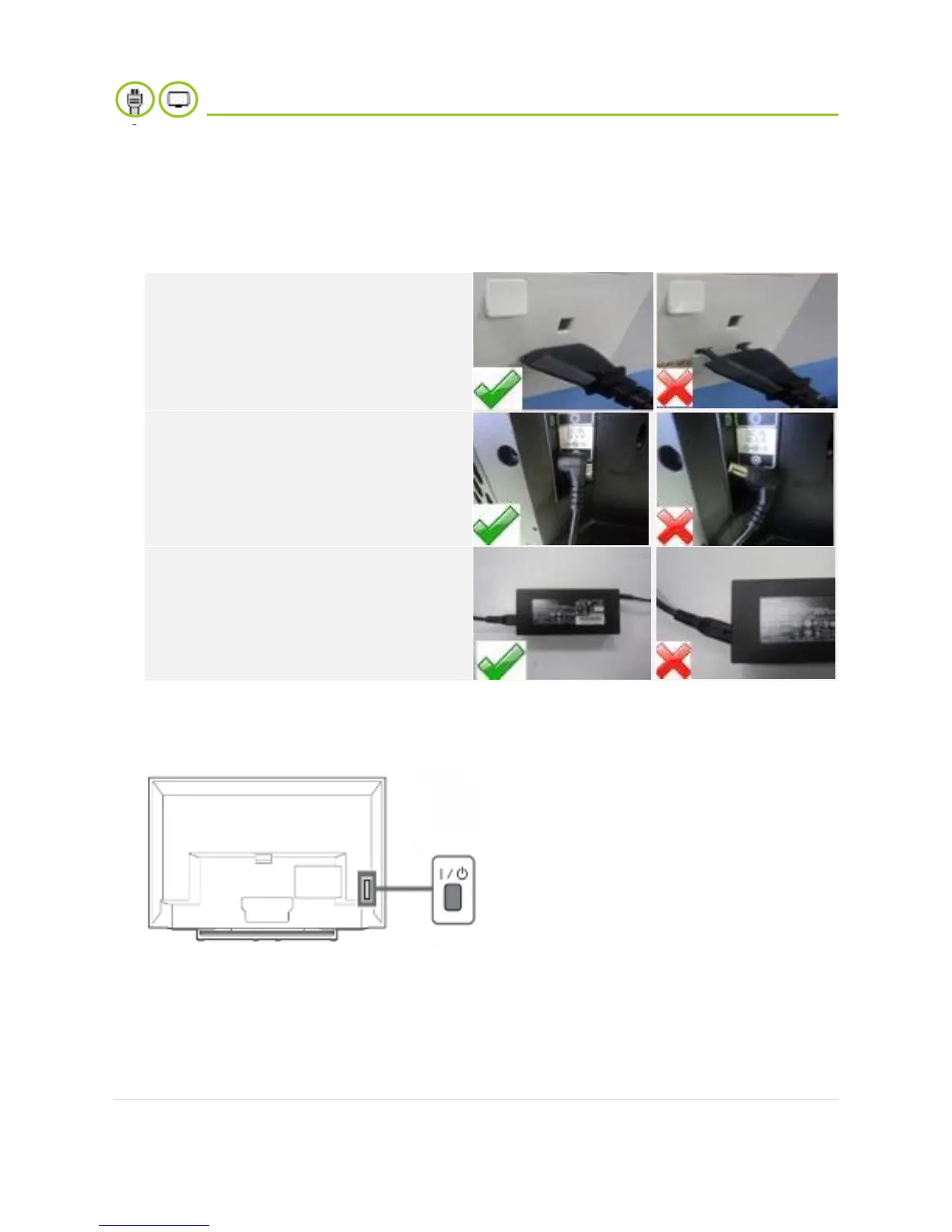
1. Make sure the AC power cord is connected securely to a working wall outlet.
2. Make sure the POWER button on the TV is on, and then press POWER button on
remote.
If the TV turns on but does not respond
to remote control, the issue may be on
the remote. Please check the battery.
3. If the symptom remains, try to unplug the TV power cord from the electrical outlet at
least for 30 seconds, then plug the power cord into a known working electrical wall
outlet.
4. Attempt to turn on the TV. If there is still no picture even though the TV is on,
please refer to page 6.






 To Next Page