Display/Picture
3 | P a g e
Picture quality is not as good as viewed at the store
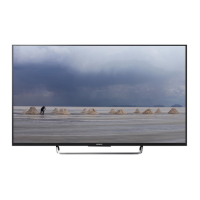
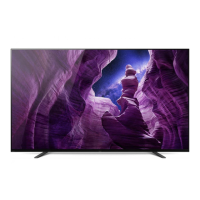
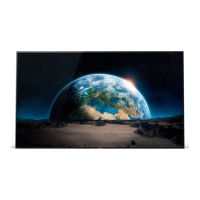
View the BRAVIA Image available on your TV to confirm picture quality. BRAVIA image
is sample image available by default on your BRAVIA.
For R Series
Press the HOME button, and then go to Media > Photo to view sample image.
If BRAVIA image is clear → no issue with
your TV, most likely this is because of the
content quality. Refer to page 5 for more
details.
If BRAVIA image is not clear → service may
be required. Please consult to Sony Contact
Centre.
For W Series TV
Now you can run Problem Diagnosis to troubleshoot Picture/Sound symptoms.
Press the HOME button, and then select Help → Customer Support → Problem
Diagnosis → Picture/Sound Symptoms.
After starting the diagnosis, follow instructions on
the screen to diagnose the symptom and possible
cause.






 To Next Page