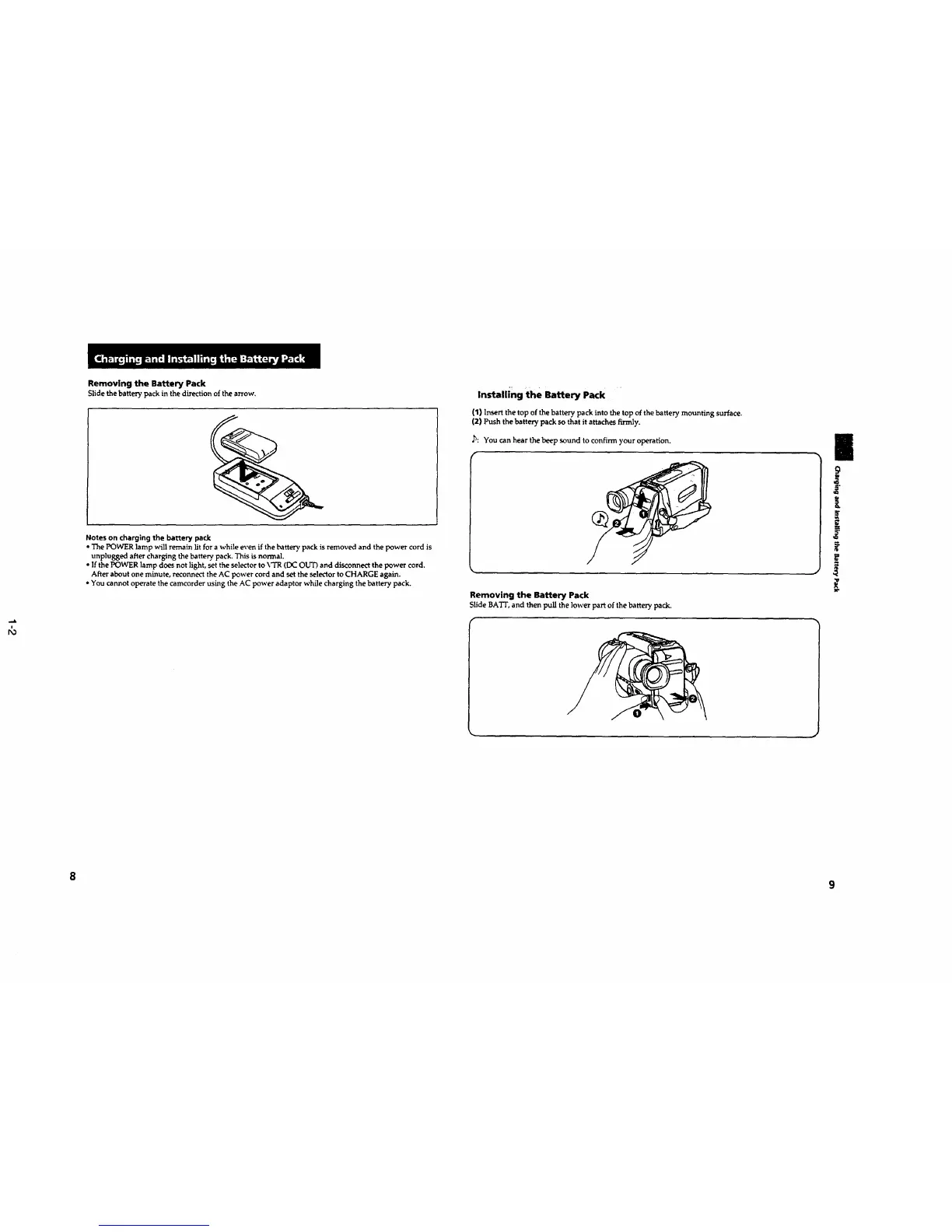
Removing the Battery Pack
Slide the battery pack in the direction of the arrow,
Notes on charging the battery pack
• The POWER lamp will remain lit for a while even if thebattery pack is removed and thepower cord is
unplugged after charging the battery pack. This is normal.
• li_ the POWER lamp does not light, set the selector to VTR (DC OI.Y'Dand disconnect the power cord.
After about one minute, reconnect the AC power cord and set the selector to CHARGE again.
• You cannot operate the camcorder using the AC power adaptor while charging the battery pack.
Installing the Battery Pack
(1) Insert the top of the battery pack into the top of the battery mounting surface.
(2) Push the battery pack so that it attaches firmly.
,b: You can hear the beep sound to confirm your operation.
#
Removing the Battery Pack
Slide BA'IT, and then pull the lower part of the battery pack.
9
i
i
z
8
9










 To Next Page