8 Location and Function of Parts
Location and Function of Parts
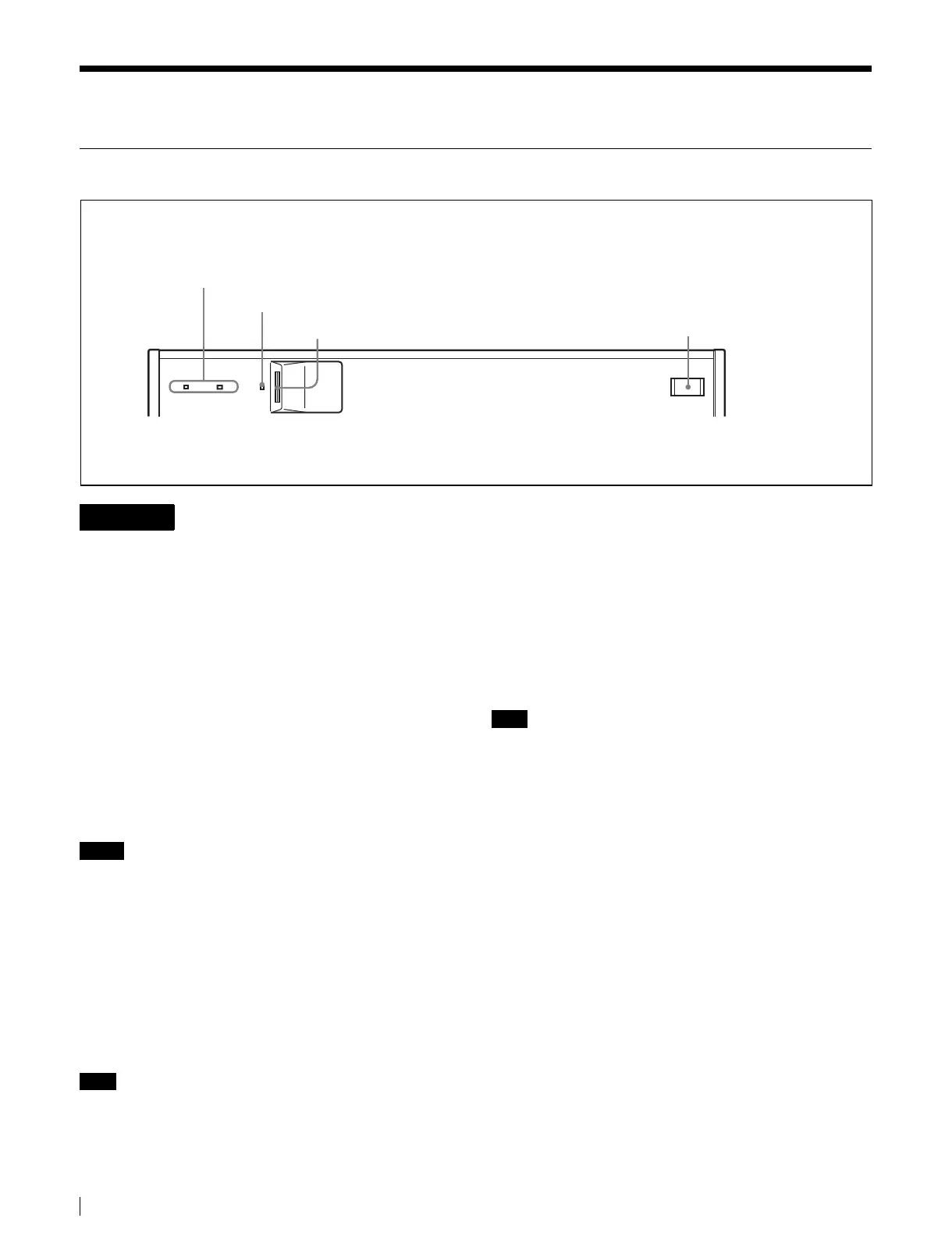
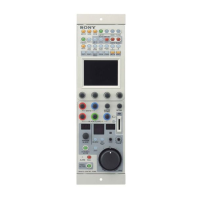
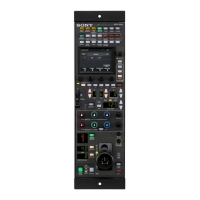
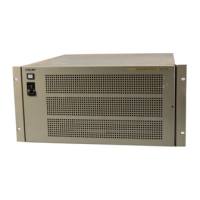
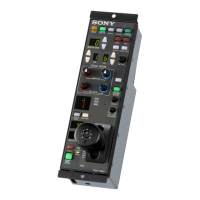
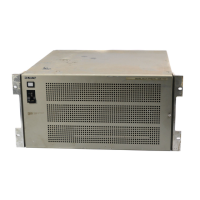
MKS-9011A/9012A Front Panel
This unit has no power switch.
When installing the unit, incorporate a readily accessible
disconnect device in the fixed wiring, or connect the power
cord to socket-outlet which must be provided near the unit
and easily accessible.
If a fault should occur during operation of the unit, operate
the disconnect device to switch the power supply off, or
disconnect the power cord.
a POWER A, B status indicators
The status indicators light in green when the unit is
powered on.
The POWER B status indicator does not light when the
optional HK-PSU11 Power Supply Unit is not supplied in
the factory configuration.
Notes
• Contact a Sony service or marketing representative
regarding installation of the HK-PSU11.
• If the status indicators do not light even though the AC
power cord is connected, there may be failure in the unit.
Disconnect the AC power cord and contact a Sony
service or marketing representative.
b “Momory stick” status indicator
Data is being read from or written to a “Memory Stick”
when the status indicator is lit or flashing.
Note
Do not power the unit off or remove a “Memory Stick”
when the status indicator is lit or flashing.
c “Memory stick” slot
A slot to insert “Memory Stick”. Used to install software
and to save and read data such as snapshot and setup data.
See “About “Memory Sticks”” (page 16) for more
information about “Memory Sticks”.
d USB connector (USB Type A)
Connect a mouse, keyboard, pen tablet or other device
with a USB interface.
Note
Contact a Sony service or marketing representative for
more information about connectable devices.
A POWER B
2“Memory stick” status indicators
3“Memory stick” slot
4USB connector
1POWER A, B status indicators
WARNING


 To Next Page