Playing CDs
11
GB
Playing CDs
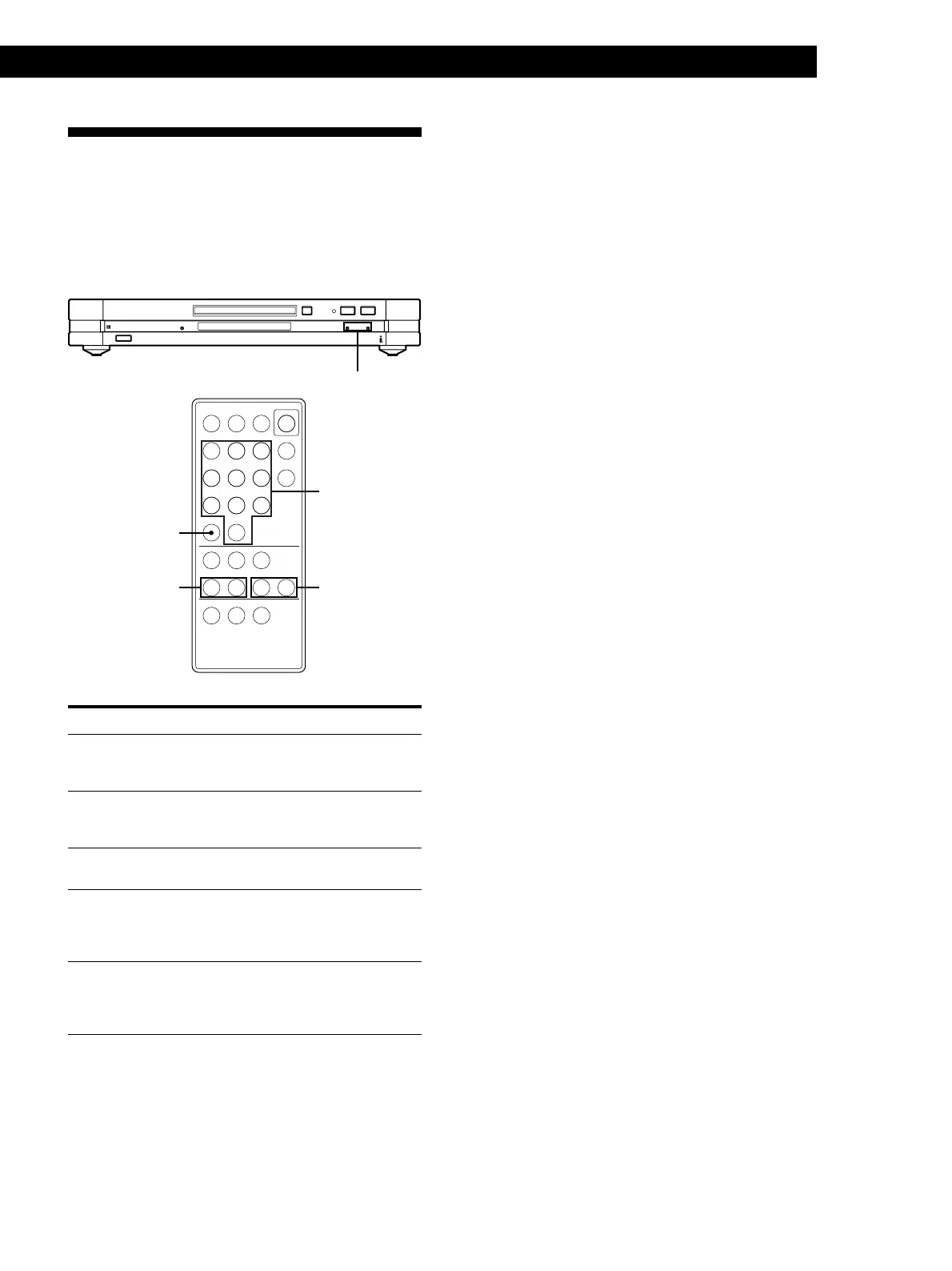
To locate Do the following
The beginning of the
next or succeeding
tracks
Press + repeatedly until you find
the track.
The beginning of the
current or preceding
tracks
Press = repeatedly until you find
the track.
A specific track
directly Z
Enter the track number with the
numeric buttons.
A particular point in
a track while
monitoring the
sound Z
Press down ) (forward) or 0
(backward) until you find the point.
Quickly a particular
point in a track by
observing the
display Z
Press down ) (forward) or 0
(backward) with the player paused
until you find the point. There will be
no sound output during this operation.
z To specify a track numbered over 10
Z
Press >10 first, then the corresponding numeric buttons.
To enter “0,” press 10/0.
Example: To enter track number 30
Press >10 first, then 3 and 10/0.
Note
If you reach the end of the disc while pressing ) on the
remote, “– OVER –” appears in the display. Press 0 on the
remote to go back.
Locating a Specific Track or a
Particular Point in a Track
Using the AMS (Automatic Music Sensor) buttons or
the numeric buttons on the remote, you can quickly
locate any point in a track or any track on the disc
while playing a disc.
1/u
=+
§ p·P
=/+
0/)
=/+
>10
1/u
=+0 )
(P p
789
>10
10
/0
123
456
Numeric
buttons


 To Next Page