14
Actual total number: Sony CDX-C910 (E) 3-856-715-21 (2)
EN
Creating a program
— Program Memory (CD/MD changer with
program memory function)
You can play the tracks in the order you want
by making your own program. You can make
two programs: Program 1 and Program 2. You
can select up to 12 tracks in each program. You
can store the programs in memory.
1 Press (SHIFT), then press (3) (P.MODE)
for two seconds.
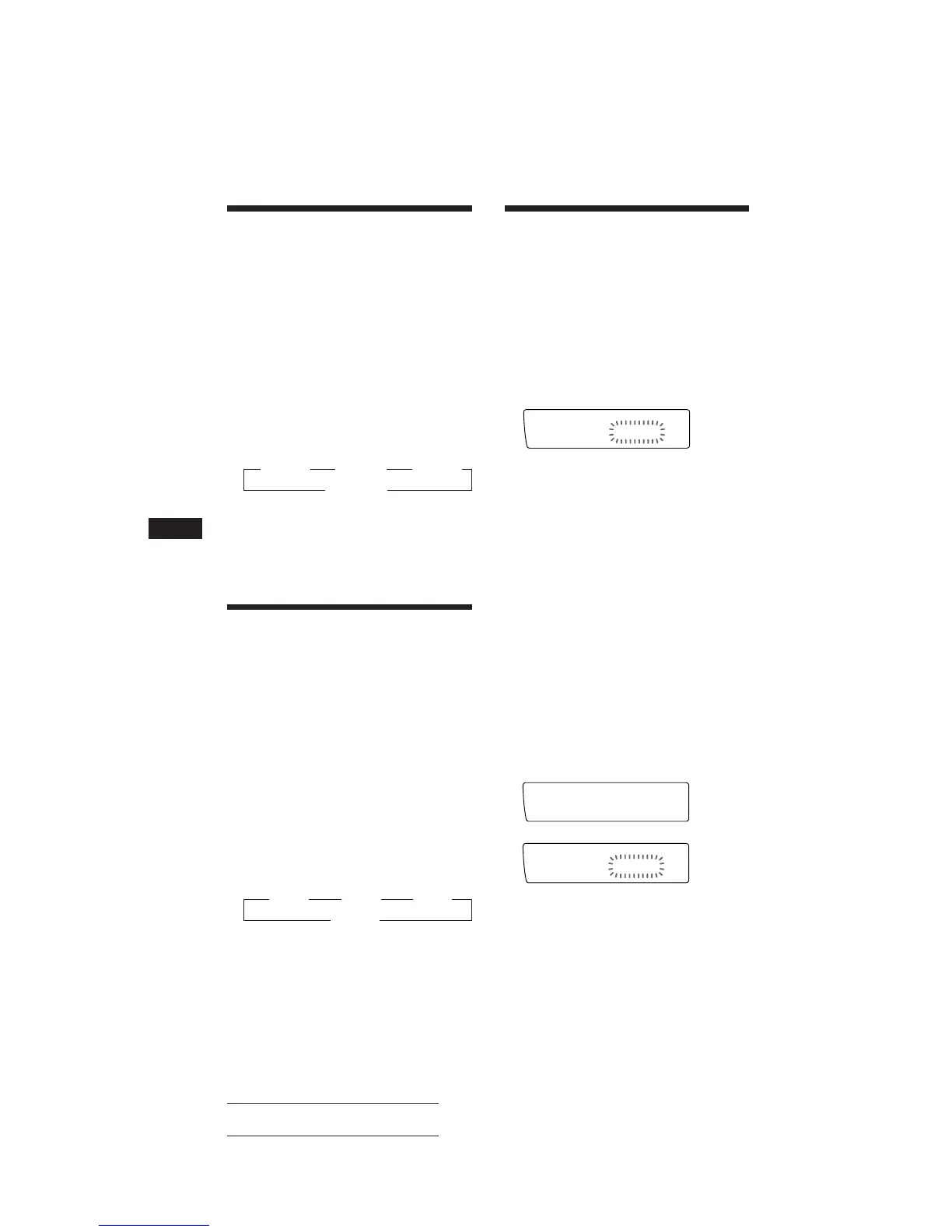
Program edit mode
“P 1” shows Program 1 is selected.
If you have labeled the disc, the bank edit
mode appears. Press (3) (P.MODE) to
display “PGM edit” above.
To select Program 2, press (4) (n)
repeatedly until “P 2” appears.
2 Select the track you want.
1 Press (SOURCE) repeatedly to select
the changer.
2 Press (SHIFT), then press the number
button to select the disc.
3 Press (SHIFT).
4 Press either side of (SEEK/AMS) to
select the track.
3 Press (5) (ENTER) momentarily.
4 To continue entering tracks, repeat steps
2 and 3.
5 When you finish entering tracks, press
(3) (P.MODE) for two seconds.
6 Press (SHIFT).
Playing tracks repeatedly
— Repeat Play
You can select:
• Repeat 1 to repeat a track.
• Repeat 2 to repeat a disc.
• Repeat 3 to repeat all the discs in the current
changer when you connected two changers
or more.
1 During playback, press (SHIFT). Then
press (3) (P.MODE) repeatedly until
“Repeat” appears.
2 Press (4) (n) repeatedly until the
desired setting appears.
Repeat Play starts.
z Repeat 1 ␣ ␣ z Repeat 2 ␣ ␣ z Repeat 3
Repeat off Z
3 Press (SHIFT).
To go back to the normal playback mode,
select “Repeat off” in step 2 above.
Playing tracks in random
order
— Shuffle Play
You can select:
• Shuf 1 to play the tracks on the current disc
in a random order.
• Shuf 2 to play the tracks in the current
changer in a random order.
• Shuf 3 to play all the tracks in a random
order when you connected two changers or
more.
1 During playback, press (SHIFT), then
press (3) (P.MODE) repeatedly until
“Shuf” appears.
2 Press (4) (n) repeatedly until the
desired setting appears.
Shuffle Play starts.
z Shuf 1 z Shuf 2 z Shuf 3
Shuf off Z
3 Press (SHIFT).
To go back to the normal playback mode,
select “Shuf off” in step 2 above.



 To Next Page