9
Setting the clock
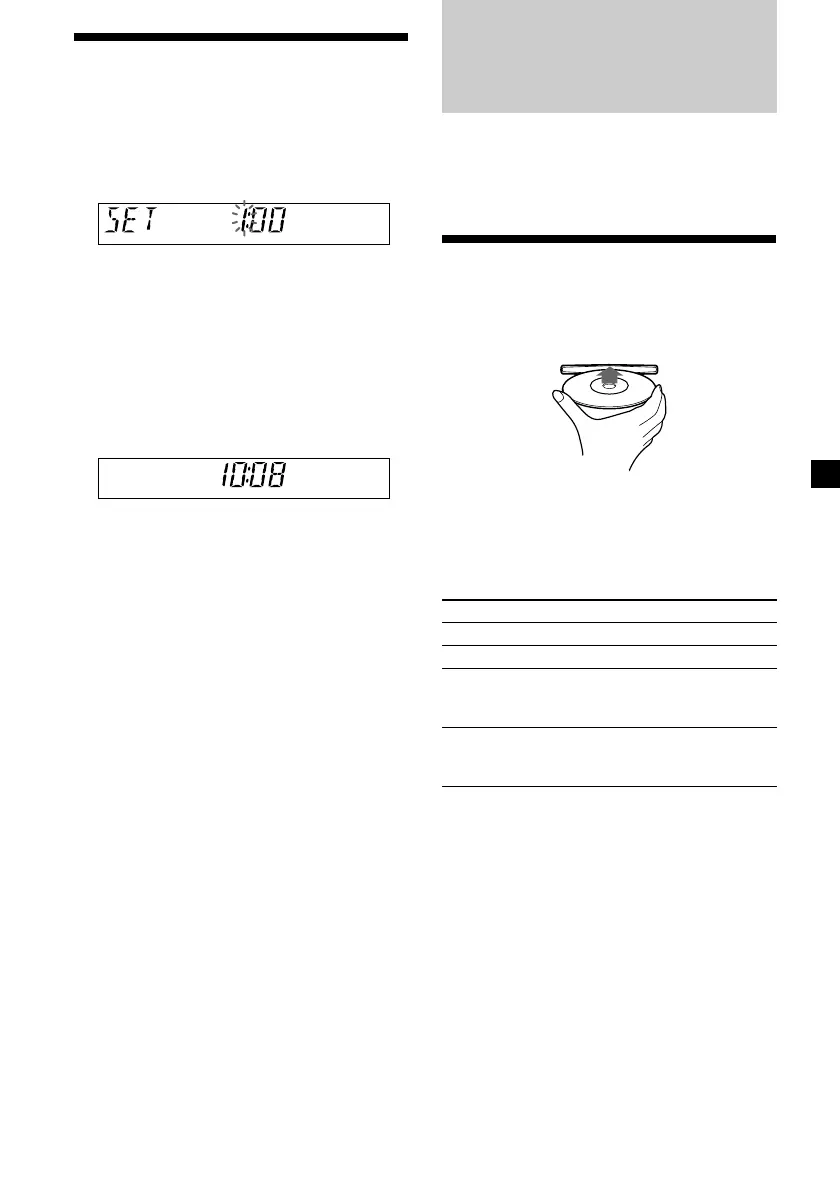
The clock uses a 12-hour digital indication.
Example: To set the clock to 10:08
1 Press (DSPL) for 2 seconds.
The hour indication flashes.
1 Turn the VOL control dial to set the
hour.
2 Press (SEL).
The minute indication flashes.
3 Turn the VOL control dial to set the
minute.
2 Press (DSPL).
The clock starts. After the clock setting is
completed, the display returns to normal
play mode.
CD Player
CD/MD Unit (optional)
In addition to playing a CD with this unit, you
can also control an external CD/MD unit.
Only one optional CD/MD unit can be
connected.
Playing a disc
(With this unit)
Insert the disc (labeled side up).
Playback starts automatically.
If a disc is already inserted, press (SOURCE)
repeatedly until “CD” appears to start
playback.
To Do this
Stop playback Press (OFF).
Eject the disc Press Z.
Skip tracks Turn the SEEK/AMS
– Automatic control dial.
Music Sensor [once for each track]
Fast-forward/ Turn the SEEK/AMS
reverse control dial.
– Manual Search [hold to desired point]
Notes
• When the last track on the disc is over, playback
restarts from the first track of the disc.
• With an optional unit connected, playback of the
same source will continue on to the optional CD/
MD unit.
continue to next page t




 To Next Page