23
Setting the equalizer (EQ7)
You can select an equalizer curve for 7 music
types (Vocal, Club, Jazz, New Age, Rock,
Custom, Xplod, and off (equalizer off)).
You can store and adjust the equalizer settings
for frequency and level.
You can store the EQ7 setting for each source.
Selecting the equalizer curve
1 Press (SOURCE) to select a desired
source.
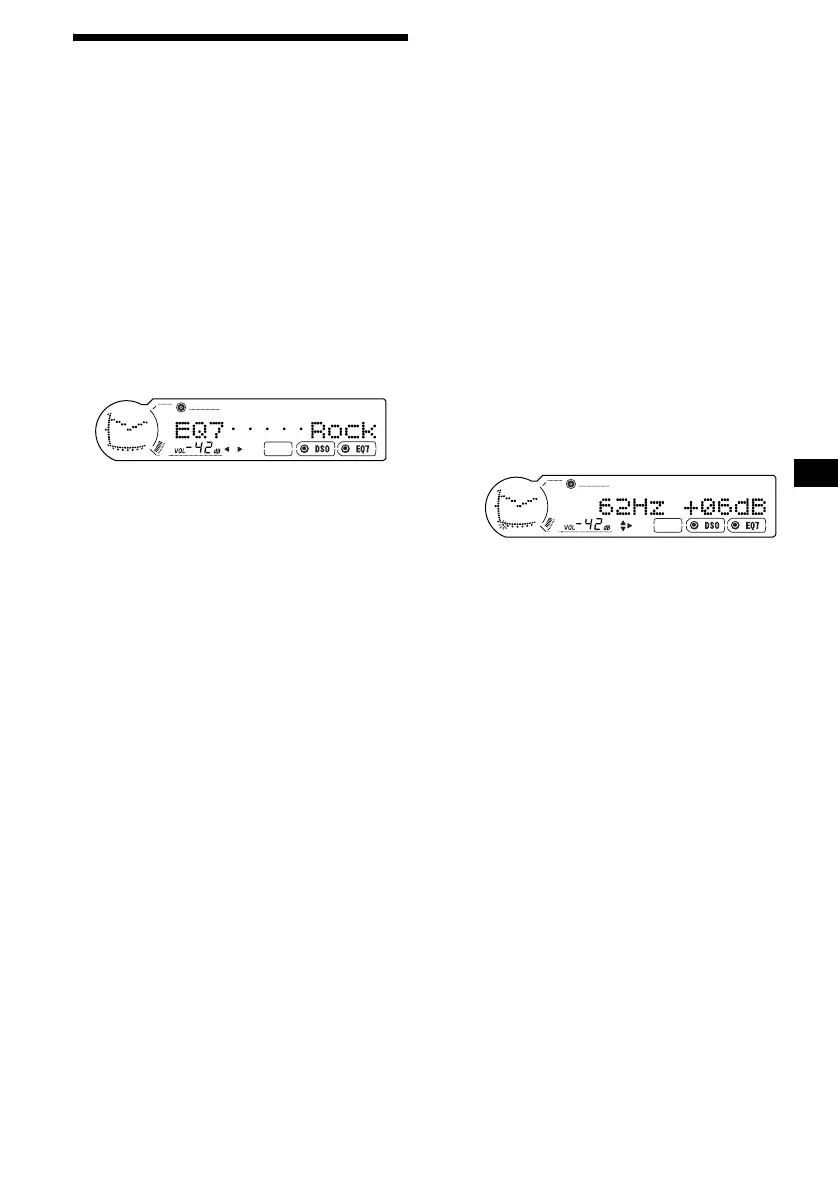
2 Press (EQ7) repeatedly until the
desired equalizer curve appears.
Each time you press (EQ7), the item
changes.
To cancel the equalizing effect, select “off.”
After 3 seconds, the display returns to the
normal playback mode.
Adjusting the equalizer curve
1 Press (MENU).
2 Press M or m repeatedly until “EQ7
Tune” appears, then press (ENTER).
3 Press < or , to select the desired
equalizer curve, then press (ENTER).
Each time you press < or ,, the item
changes.
4 Select the desired frequency and level.
1 Press < or , to select the desired
frequency.
Each time you press < or ,, the
frequency changes.
62Hz y 157Hz y 396Hz y 1.0kHz
y 2.5kHz y 6.3kHz y 16kHz
2 Press M or m to adjust the desired
volume level.
The volume level is adjustable in 1 dB
steps from –10 dB to +10 dB.
To restore the factory-set equalizer curve,
press (ENTER) for 2 seconds.
5 Press (MENU) twice.
After the effect setting is complete, the
display returns to normal playback mode.




 To Next Page