5
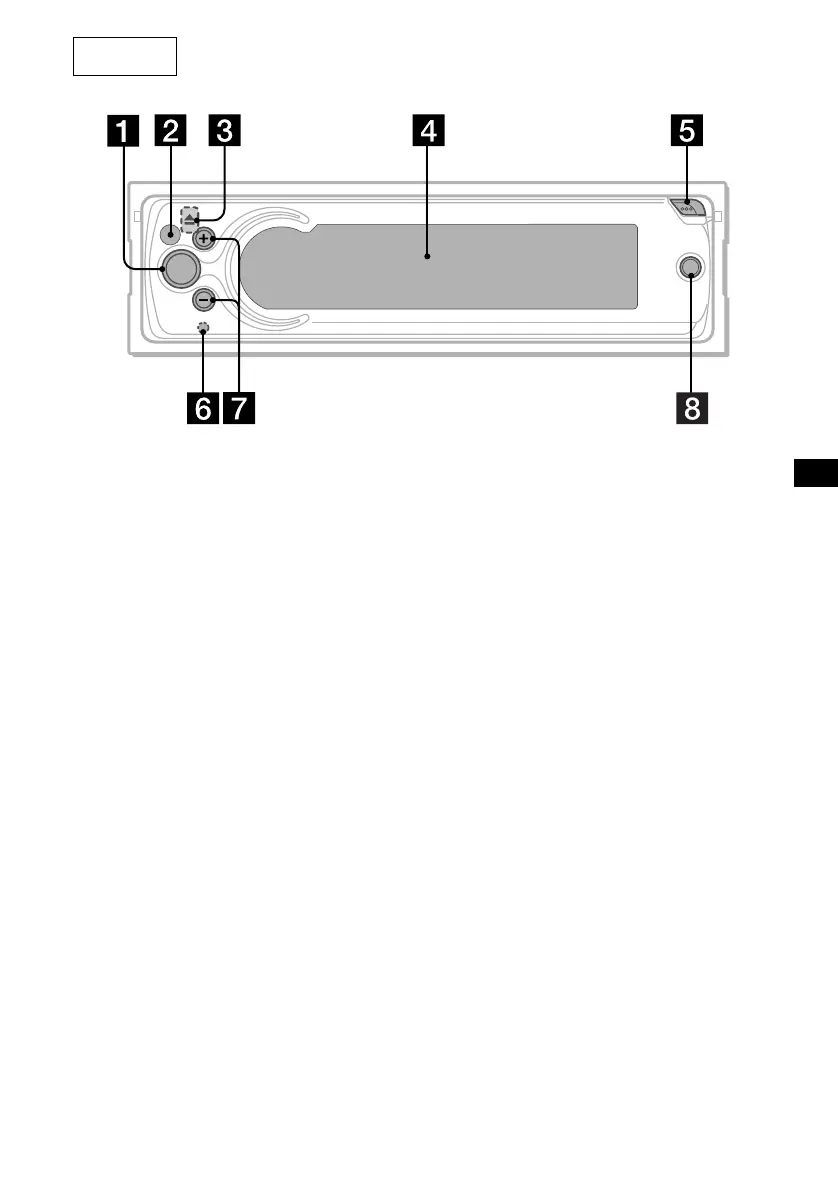
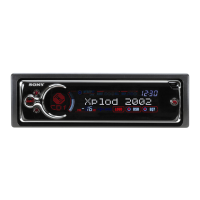
a SOURCE button
b Receptor for the card remote
commander and rotary commander
c Z (eject) button (located on the front side
of the unit, behind the front panel) 9
d Display window
e OPEN button 8, 9
f RESET button (located on the front side of
the unit, behind the front panel) 7
g VOL (+/–) buttons
h OFF button*
* Warning when installing in a car without
an ACC (accessory) position on the
ignition switch
After turning off the ignition, be sure to press
(OFF) for 2 seconds to turn off the clock
display.
Otherwise, the clock display does not turn off
and this causes battery drain.
Note
If the unit is turned off by pressing (OFF) for 2
seconds, the unit cannot be operated with the
card remote commander or the rotary
commander unless (SOURCE) on the unit is
pressed or a disc is inserted to activate the unit.
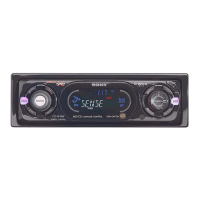
Main unit
CDX-CA900
OFF
VOL
SOURCE




 To Next Page