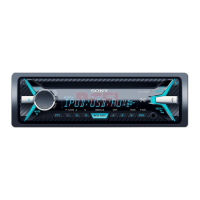
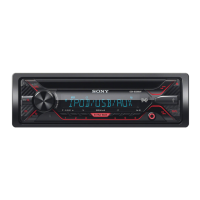
15GB
Cautions
Run all ground (earth) leads to a common
ground (earth) point.
Do not get the leads trapped under a screw, or
caught in moving parts (e.g., seat railing).
Before making connections, turn the car ignition
off to avoid short circuits.
Connect the power supply lead to the unit and
speakers before connecting it to the auxiliary
power connector.
Be sure to insulate any loose unconnected leads
with electrical tape for safety.
Choose the installation location carefully so that
the unit will not interfere with normal driving
operations.
Avoid installing the unit in areas subject to dust,
dirt, excessive vibration, or high temperature,
such as in direct sunlight or near heater ducts.
Use only the supplied mounting hardware for a
safe and secure installation.
Note on the power supply lead (yellow)
When connecting this unit in combination with other
stereo components, the amperage rating of the car
circuit to which the unit is connected must be higher
than the sum of each component’s fuse amperage
rating.
Mounting angle adjustment
Adjust the mounting angle to less than 45°.
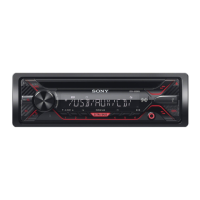
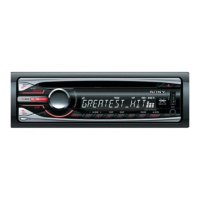
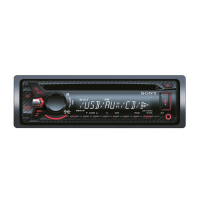
Parts List for Installation
This parts list does not include all the package
contents.
The bracket and the protection collar are
attached to the unit before shipping. Before
mounting the unit, use the release keys to
remove the bracket from the unit. For details,
see “Removing the protection collar and the
bracket” (page 18).
Keep the release keys for future use as they are
also necessary if you remove the unit from your
car.
Connection/Installation
Precautions



 To Next Page
 Loading...