About
this
manual
*I CDX-GT330/GT33W/GT230 only
*2 CDX-GT330/GT33Wonly
II
RESET
~
button
.-------~
l::========.J
Getting
Started
Resetting
the
unit
(CDX-GT330/
GT33Wonly)
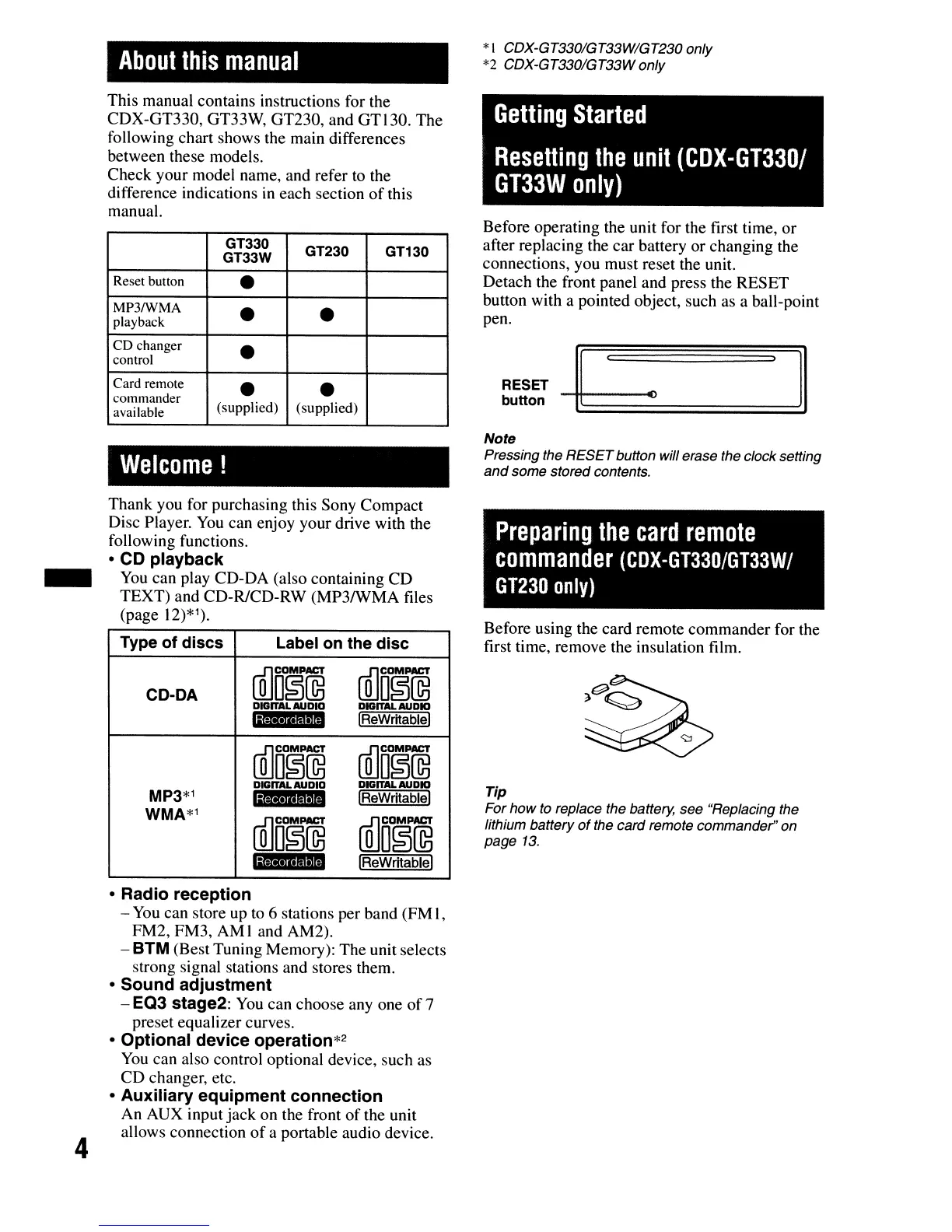
Before operating the unit for the first time, or
after replacing the car battery or changing the
connections, you must reset the unit.
Detach the front panel and press the RESET
button with a pointed object, such as a ball-point
pen.
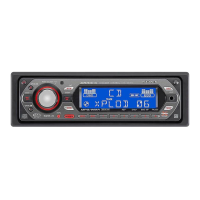
GT330
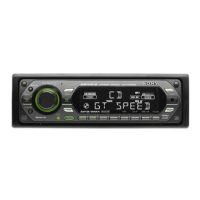
GT230
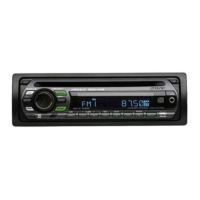
GT130
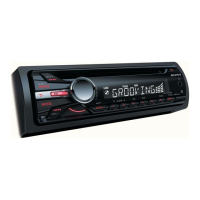
GT33W
Reset button
•
MP3IWMA
•
•
playback
CD
changer
•
control
Card remote
•
•
commander
available
(supplied) (supplied)
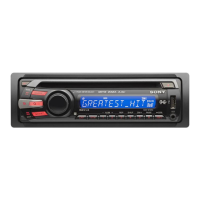
This manual contains instructions for the
CDX-GT330, GT33W, GT230, and GT130. The
following chart shows the main differences
between these models.
Check your model name, and refer
to
the
difference indications
in
each section
of
this
manual.
Welcome!
Note
Pressing the RESETbutton will erase the clock setting
and
some stored contents.
Thank you for purchasing this Sony Compact
Disc Player.
You
can enjoy your drive with the
following functions.
•
CD
playback
_
You
can play CD-DA (also containing CD
TEXT) and CD-R/CD-RW (MP3IWMA files
(page
12)*1).
Type
of
discs
Label
on
the
disc
CD-DA
illJD§~
illJDO~~
DIGITAL
AUDIO
DIGITAL
AUDIO
'ijii'iGtii
'M
IReWritablel
llliD~[Q3
rnJD~~
DIGITAL
AUDIO
DIGITAL
AUDIO
MP3*1
'i$'·iUI111
IReWritablel
WMA*1
rnJDO~~
ffi]D~~
1;1;;.14"'11
IReWritablel
Preparing
the
card
remote
commander
(CDX-GT330/GT33W/
GT230
only)
Before using the card remote commander for the
first time, remove the insulation film.
Tip
For how
to
replace the battery, see "Replacing the
lithium battery
of
the card remote commander" on
page
13.
4
•
Radio
reception
-
You
can store up to 6 stations per band (FM I,
FM2, FM3, AM I and AM2).
- BTM (Best Tuning Memory): The unit selects
strong signal stations and stores them.
•
Sound
adjustment
-
EQ3
stage2:
You
can choose
anyone
of7
preset equalizer curves.
•
Optional
device
operation*2
You
can also control optional device, such as
CD changer, etc.
•
Auxiliary
equipment
connection
An AUX input jack on the front
of
the unit
allows connection
of
a portable audio device.





 To Next Page