13
Receiving a station through a list
— LIST
You can list up the frequency.
1 Select the band, then press (LIST).
The preset list appears.
2 Rotate the control dial until the
desired station appears.
3 Press the select button to receive the
station.
The display returns to normal reception
mode.
USB devices
USB device playback
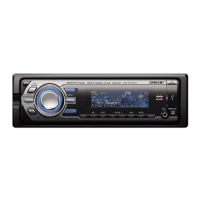
1 Open the USB cover.
2 Connect the USB device to the USB
terminal.
Playback starts.
If a USB device is already connected, to start
playback, press (SOURCE) repeatedly until
“USB” appears.
Press (OFF) to stop playback.
Notes
• Before removing a USB device, be sure to stop
playback first. If you remove your USB device during
playback, data in the USB device may be damaged.
• Do not use USB devices so large or heavy that they
may fall down due to vibration, or cause a loose
connection.
• Do not detach the front panel during playback of the
USB device, otherwise USB data may be damaged.


 To Next Page
 Loading...