8
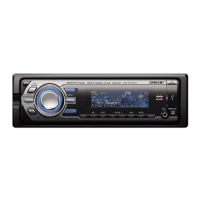
Location of controls and basic operations
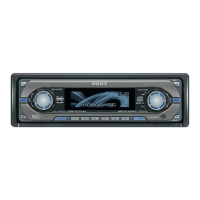
Main unit
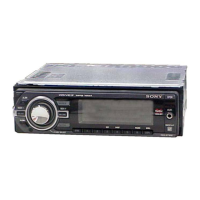
Front panel removed
Card remote commander
RM-X156
This section contains instructions on the location
of controls and basic operations. For details, see
the respective pages.
For USB device operation, see “USB devices” on
page 13, or for optional device (CD/MD changer,
etc.) operation, see “Using optional equipment”
on page 17.
The corresponding buttons on the card remote
commander control the same functions as those
on the unit.
A OFF button
To power off; stop the source.
B (LIST/BROWSE) button page 10,
13
To list up (Radio); enter the Quick-BrowZer
mode (CD/USB).
C Control dial/select button
Rotate to: Adjust volume.
Press to: Enter sound setting/apply a menu
setting.
Press and hold to: Enter menu.
OPEN
SEEK SEEK
PAUSE
DM
MODE
SOURCE
DSPL
123456
SCRL
OFF
AUX
BACK
PUSH ENTER/SOUND/MENU
LIST/
BROWSE
REP SHUF ALBUM
1
;
a
32
s
d
g
h
f
5 6 74
RESET
qk qlqj
OFF
DSPL
REP SHUF
MENU
SCRL
SOURCE SOUND
MODE
PAU SE
132
465
ATT
VOL
+
–
+
–
ENTER
LIST
4
w;
wg
1
qa
ws
wa
qg
wf
wd
qf
qs
wj
wh


 To Next Page
 Loading...