14
Setting CT
1 Set “CT-ON” in setup (page 20).
Notes
• The CT function may not work even though an RDS
station is being received.
• There might be a difference between the time set by
the CT function and the actual time.
CD
For details on selecting a CD changer, see
page 21.
Playing a disc
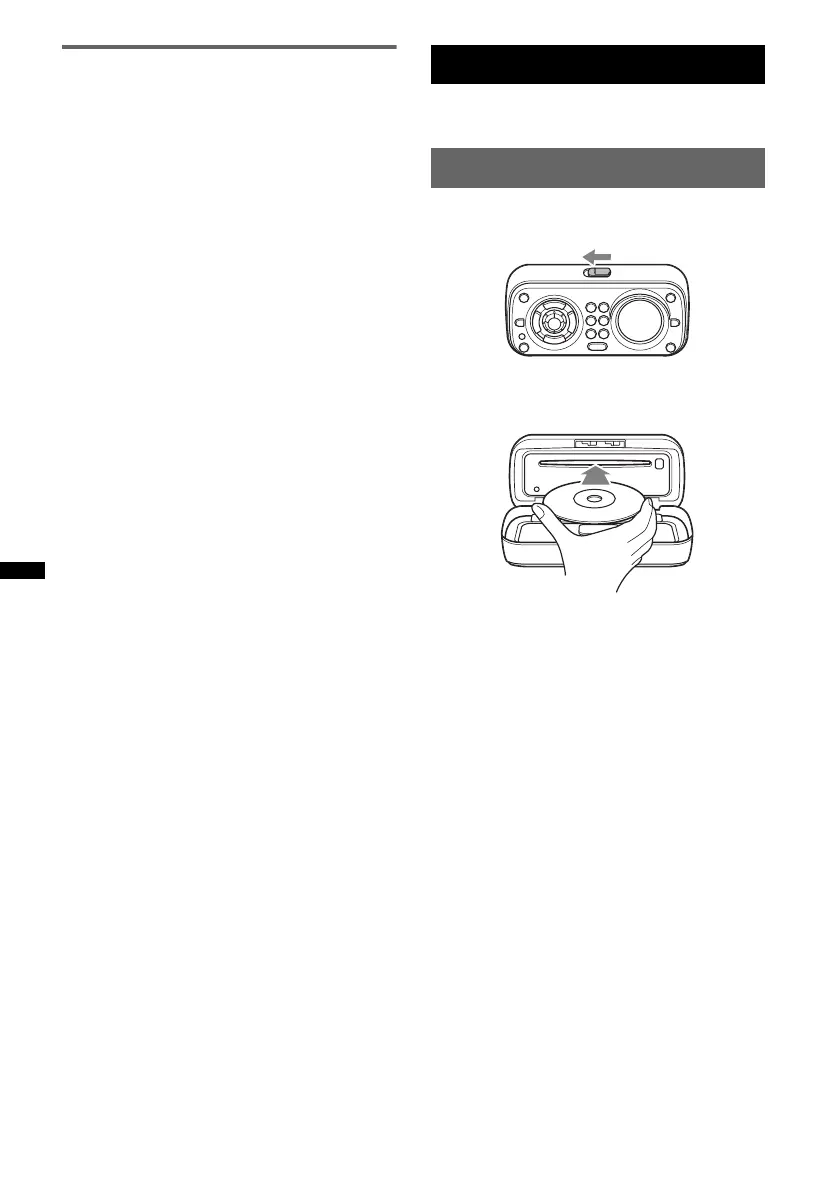
1 Slide the OPEN switch in the direction
of the arrow.
2 Open the front panel.
3 Insert the disc (label side up).
4 Close the front panel.
Playback starts automatically.
Notes
• Do not put anything on the inner surface of the front
panel.
• Be sure to close the front panel during operation.
Ejecting the disc
1 Slide the OPEN switch and open the
front panel.
2 Press Z.
The disc is ejected.
3 Close the front panel.



 To Next Page