7
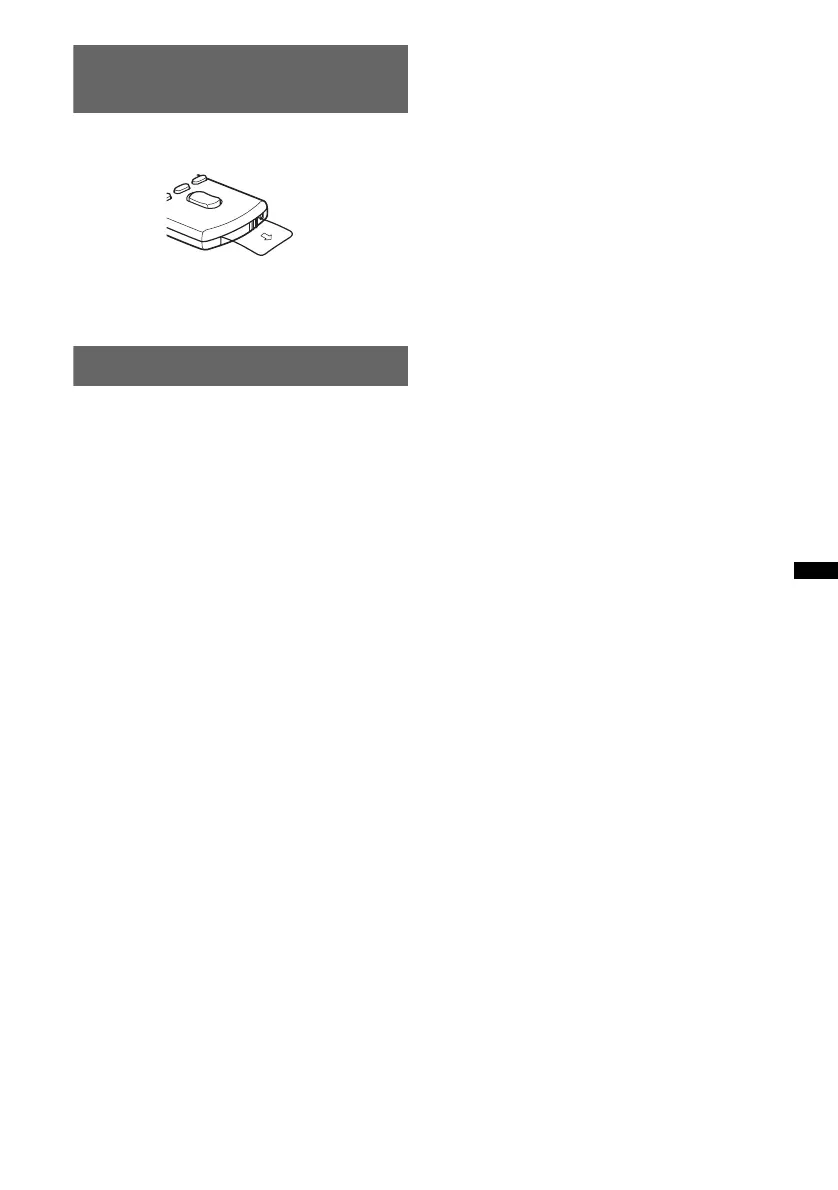
Preparing the card remote
commander
Remove the insulation film.
Tip
For how to replace the battery, see page 24.
Setting the clock
The clock uses a 24-hour digital indication.
1 Press and hold (SELECT/ENTER).
The setup display appears.
2 Press (SELECT/ENTER) repeatedly until
“CLOCK-ADJ” appears.
3 Press (SEEK) +.
The hour indication flashes.
4 Rotate the control dial to set the hour
and minute.
To move the digital indication, press (SEEK)
–/+.
5 Press (SELECT/ENTER).
The setup is complete and the clock starts.
To display the clock, press (DSPL). Press
(DSPL) again to return to the previous display.
Tip
You can set the clock automatically with the RDS
feature (page 14).



 To Next Page