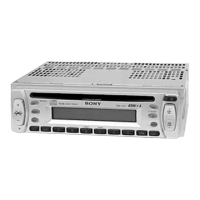
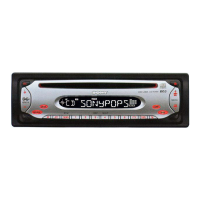
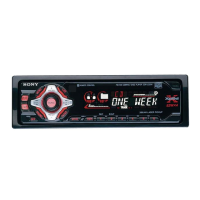
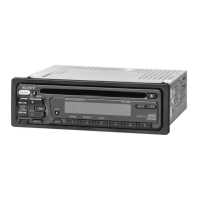
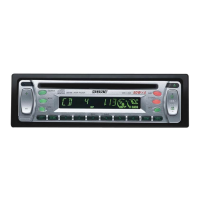
CDX-L350
SEL
MODE
SRC
SOURCE
RELEASE
1AT T
SENS
DISC
OFF
D-BASS
MBP
65432
BTM DSPL
D
REP SHUF BL SKIP ATA MTL
SEEK
AMS
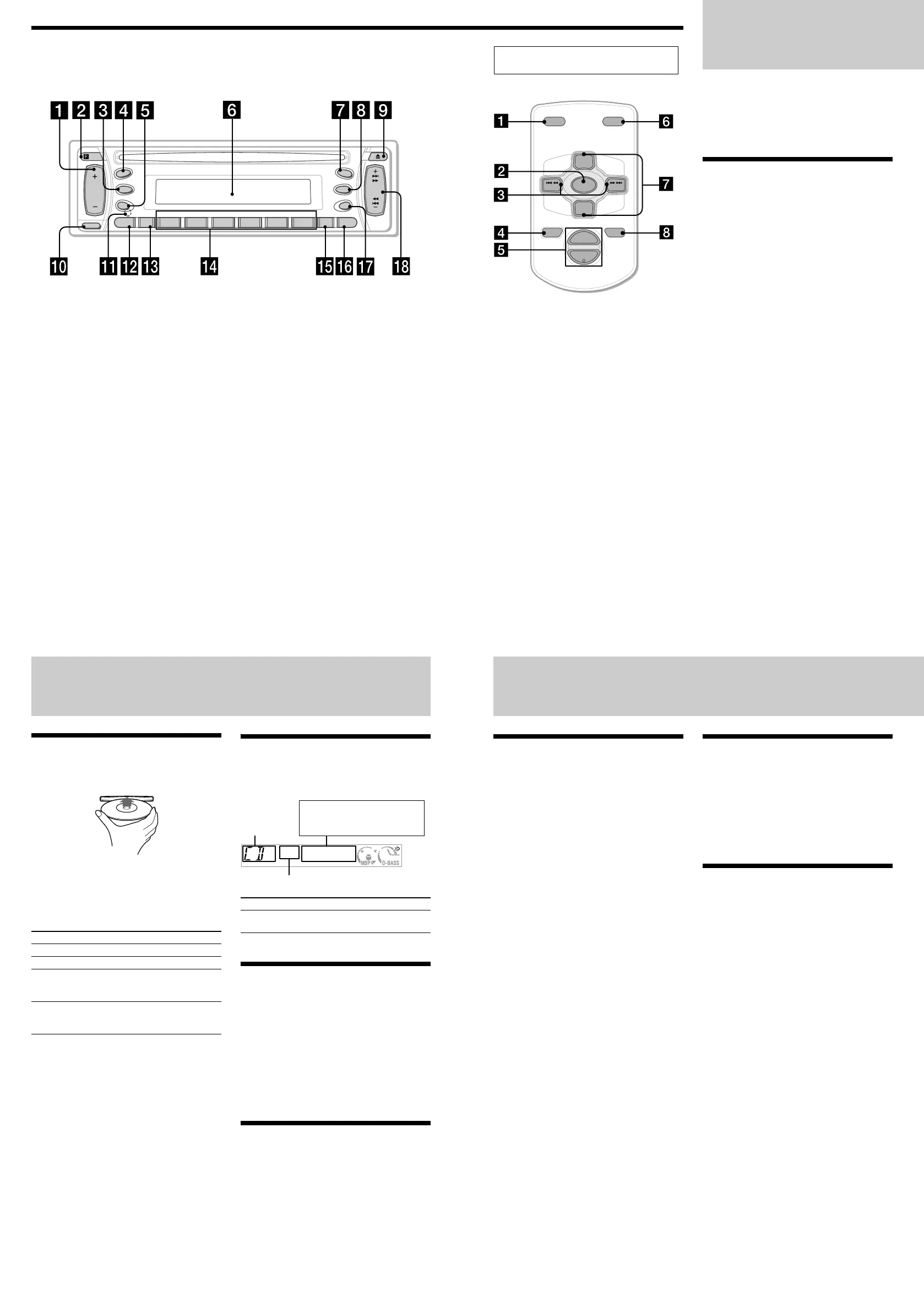
Location of controls
Refer to the pages listed for details.
Radio
The unit can store up to 6 stations per band
(FM1, FM2, FM3, and AM1, AM2).
Caut ion
When tuning in stations while driving, use Best
Tuning Memory to prevent accidents.
Storing stat ions
aut omat ically
— Best Tuning M emory (BTM )
The unit selects the stations with the strongest
signals within the selected band, and stores
them in the order of their frequency.
1 Press (SRC) repeatedly to select the
radio.
2 Press (MODE) repeatedly to select the
band.
3 Press (BTM) for 2 seconds.
The unit stores stations in the order of their
frequencies on the number buttons. A beep
sounds when the setting is stored.
Notes
• If only a few stat ions can be received due t o w eak
signals, some number buttons w ill retain their
former set t ings.
• When a number is indicated in t he display, the unit
st arts storing st at ions f rom t he one current ly
displayed.
CD Player
Playing a disc
Insert the disc (labeled side up).
Playback starts automatically.
If a disc is already inserted, press (SRC)
repeatedly until “CD” appears to start playback.
To Press
Stop playback Z or (OFF)
Eject the disc Z
Skip tracks (SEEK/AMS) (./>)
– Automatic [once for each track]
Music Sensor
Fast-forward/ (SEEK/AMS) (m/M)
reverse [hold to desired point]
– Manual Search
Note
When the last track on the disc is over, playback
restart s f rom t he first t rack of the disc.
Display items
When the disc/track changes, any prerecorded
title of the new disc/track is automatically
displayed.
Source
Track number
To Press
Switch display (DSPL)
item
Playing tracks repeatedly
— Repeat Play
The current track will repeat itself when it
reaches the end.
During playback, press (3) (REP)
repeatedly until “REP” indicator appears
in the display.
Repeat Play starts.
To return to normal play mode, press (3) (REP)
again.
Playing tracks in random
order — Shuffle Play
You can select to play the tracks on the current
disc in random order.
During playback, press (4) (SHUF)
repeatedly until “SHUF” indicator appears
in the display.
Shuffle Play starts.
To return to normal play mode, press (4)
(SHUF) again.
Card remot e commander
RM -X115
The corresponding but tons of t he card
remote com mander control t he sam e
functions as t hose on this unit .
1 DSPL button
2 SOURCE button
3 SEEK (</ ,) buttons
4 OFF button
5 VOL (+/ –) buttons
6 MODE button
7 PRESET (+/ –) buttons
8 ATT button
Note
If t he unit is turned off by pressing (OFF) f or 2
seconds, it cannot be operat ed wit h the card remote
commander unless (SOURCE) on t he unit is pressed,
or a disc is inserted to activate the unit first .
Tip
Ref er to “ Replacing the lit hium batt ery” for details
on how t o replace the bat teries.
ATTOFF
DSPL MODE
SOURCE
VOL
+
–
PRESET
+
PRESET
–
SEEK
–
SEEK
+
Displayable items
• Clock
• Elapsed playing time
Quickly at tenuating t he
sound
Press (ATT).
The “ATT” indicator appears in the display.
To restore the previous volume level, press
(ATT) again.
Canceling the beep sound
Press (6) while pressing (SEL) down.
To activate the beep sound again, press these
buttons again.
Note
If you connect an opt ional pow er amplif ier and do
not use t he built -in amplif ier, t he beep sound w ill be
deactivated.
Ot her Functions
Adjusting the sound
characterist ics
You can adjust the bass, treble, balance, and
fader.
The bass and treble levels can be stored
independently for each source.
1 Select the item you want to adjust by
pressing (SEL) repeatedly.
Each time you press (SEL), the item changes
as follows:
BAS (bass) t TRE (treble) t
BAL (left-right) t FAD (front-rear)
2 Adjust the selected item by pressing
either side of the volume +/– button.
Note
Adjust w ithin 3 seconds after select ing the item.
1 Volume +/ – button
2 Receptor for the card remote commander
3 MODE button
4 SRC (SOURCE) (TUNER/ CD) button
5 SEL (select) button
6 Display w indow
7
M BP (M y Best sound Position) button
8 D (D-BASS) button
9 Z (eject) button
q; RELEASE (front panel release) button
qa RESET button (located on the front side of
the unit, behind the front panel)
qs ATT (attenuate) button
qd SENS button
qf Number buttons
(3) REP
(4) SHUF
qg BTM (Best Tuning M emory) button
qh DSPL (display mode change) button
qj OFF button*
qk SEEK/AM S +/ – button
* Warning w hen installing in a car
w ithout an ACC (accessory) position on
the ignition key sw it ch
Be sure to press (OFF) on the unit for 2
seconds to turn off the clock display after
turning off the engine.
Otherwise, the clock display does not turn off
and this causes battery drain.
Downloaded from: https://www.usersmanualguide.com/


 To Next Page
 Loading...