The CD Player
CFD-646/656.E.3-856-825-1X.U/CA
16
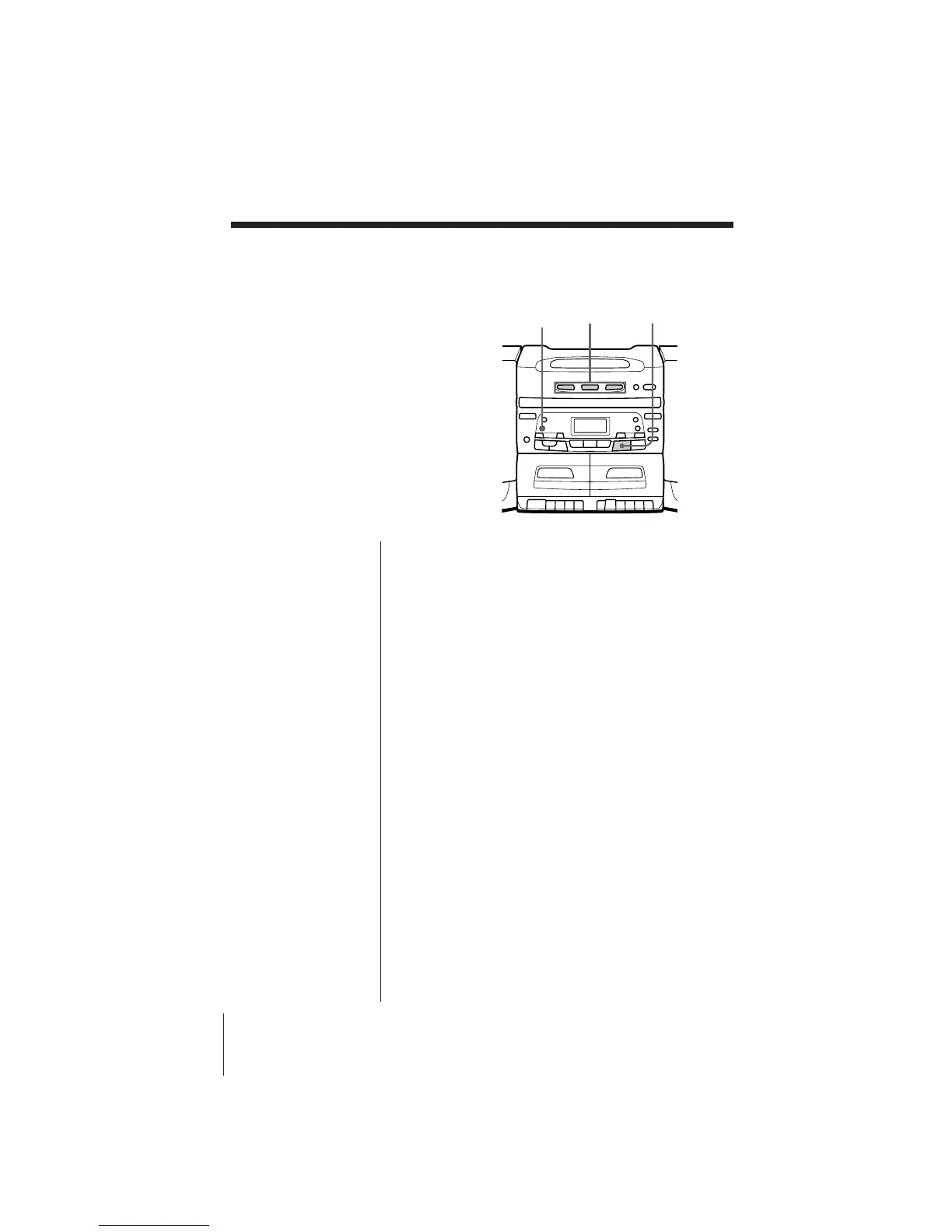
Playing tracks in
random order
(Shuffle Play)
You can play tracks in random order.
Playing tracks of a single CD in random order
1 Press PLAY MODE/MONO/ST until “SHUF”
appears in the display.
2 Press DISC 1, 2, or 3 to select the CD to be played.
Playing tracks of two or three CDs in random
order
1 Press PLAY MODE/MONO/ST until “ALL DISCS
SHUF” appears in the display.
2 Press ^ to start shuffle play.
To cancel shuffle play
Press PLAY MODE/MONO/ST until “SHUF”
disappears in the display.
^
DISC 1 – 3PLAY MODE/
MONO/ST



 To Next Page