Basic Operations
CFD-646/656.E.3-856-825-1X.U/CA
10
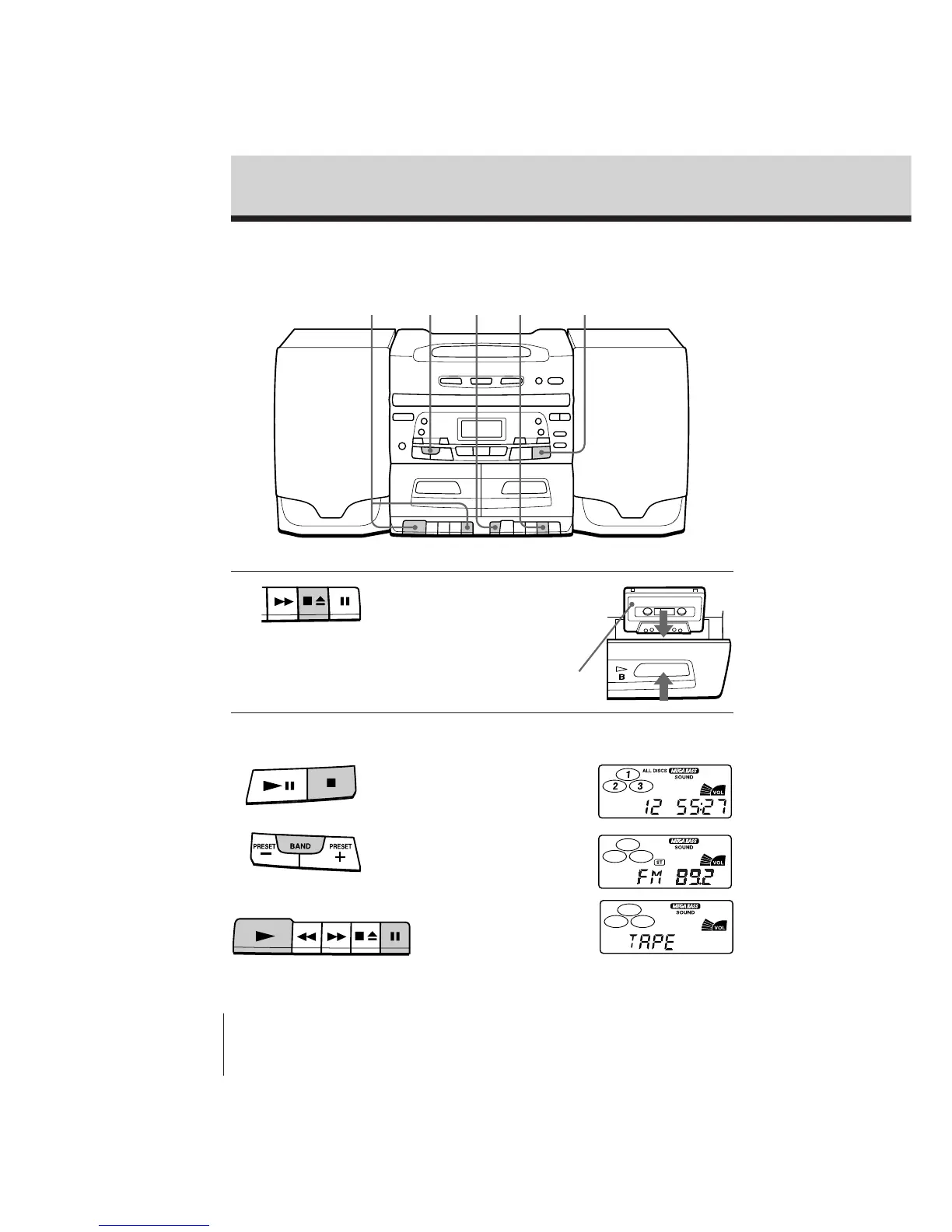
Recording on a tape
For hookup instructions, see pages 21 – 23.
1 Press p6 to open the tape
compartment on deck B and
insert a blank tape.
2 Select the program source you
want to record.
To record from the CD player,
insert a CD (see page 4) and press
p on the CD section.
To record from the radio, press
BAND and tune in the station
you want (see page 6.)
To record from a tape,
insert a recorded tape into
deck A and press P and
( simultaneously on
deck A.
31 222
With the side you want to
record on facing forward
Display
Deck A



 To Next Page