Basic Operations
Basic Operations
CFD-646/656.E.3-856-825-1X.U/CA
9
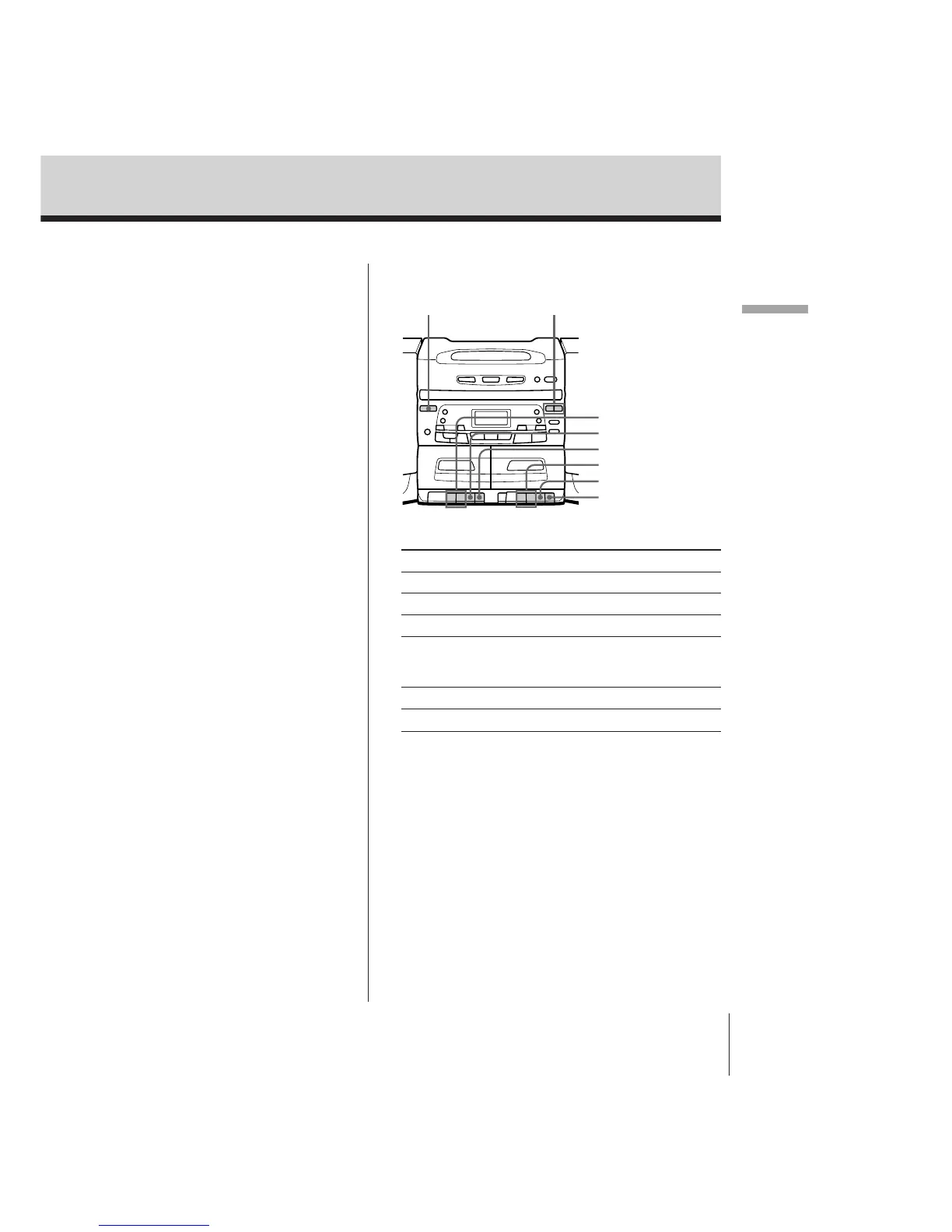
Use these buttons for additional operations
Note
During playback, do
not press buttons on
the other deck.
Otherwise the playback
speed may change.
Tips
• Next time you want to
listen to a tape, just
press (. The player
turns on automatically
and starts playing the
tape.
• For the best results, use
TYPE I (normal) tape.
To Press
Adjust the volume VOLUME +/–
Stop playback p6
Fast-forward or rewind the tape ) or 0
Pause playback P
Press the button again to
resume play after pause.
Eject the cassette p6
Turn on/off the player POWER
POWER VOLUME +/–
0/)
p6
P
0/)
p6
P



 To Next Page