Basic Operations
Basic Operations
11
EN
CFD-V20/V30/V30L.E.G_3-859-117-3X.CED/CEK/EE1/SP5/KR2/E23/EA1/HK2
Use these buttons for additional operations
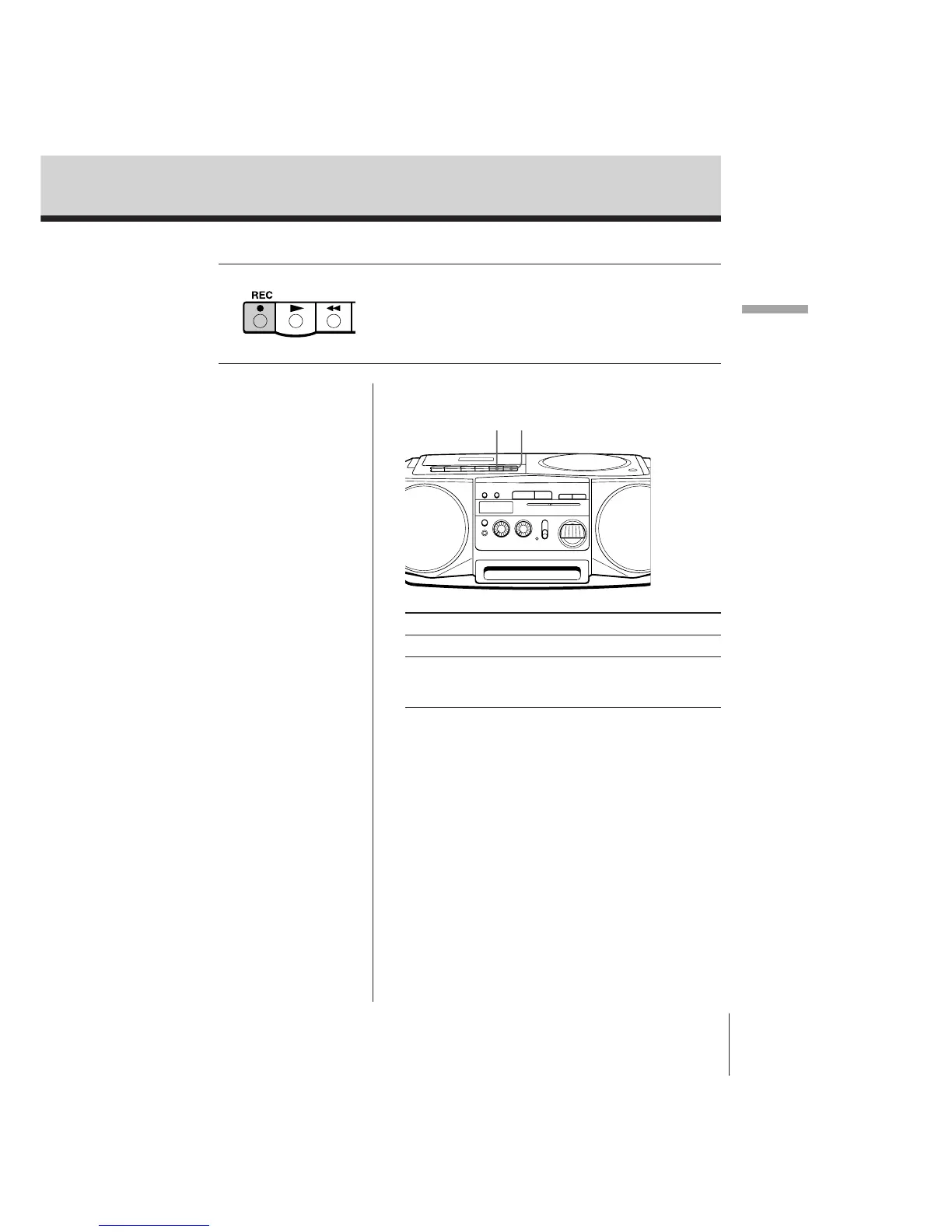
3 Press r to start recording. (( is
depressed automatically).
p6
P
To Press
Stop recording p6.
Pause recording P.
Press the button again to
resume recording.
Tips
• Adjusting the volume or
the tone will not affect
the recording level.
• If the AM/LW program
makes a whistling
sound after you’ve
pressed r in step 3, set
the FM MODE/ISS
(Interference Suppress
Switch) at the rear to the
position that most
decreases the noise.
(only for the models
equipped with FM
MODE/ISS selector at
the rear)
• For the best results, use
the AC power as a
power source for
recording.
• To erase a recording,
proceed as follows:
1 Set FUNCTION to
TAPE (CD/RADIO
OFF).
2 Press r .


 To Next Page