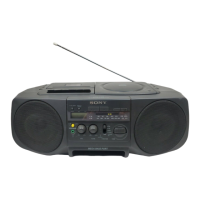
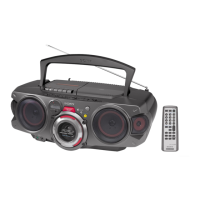
CFD-V20/V30/V30L.E.G_3-859-117-3X.CED/CEK/EE1/SP5/KR2/E23/EA1/HK2
Basic Operations8
EN
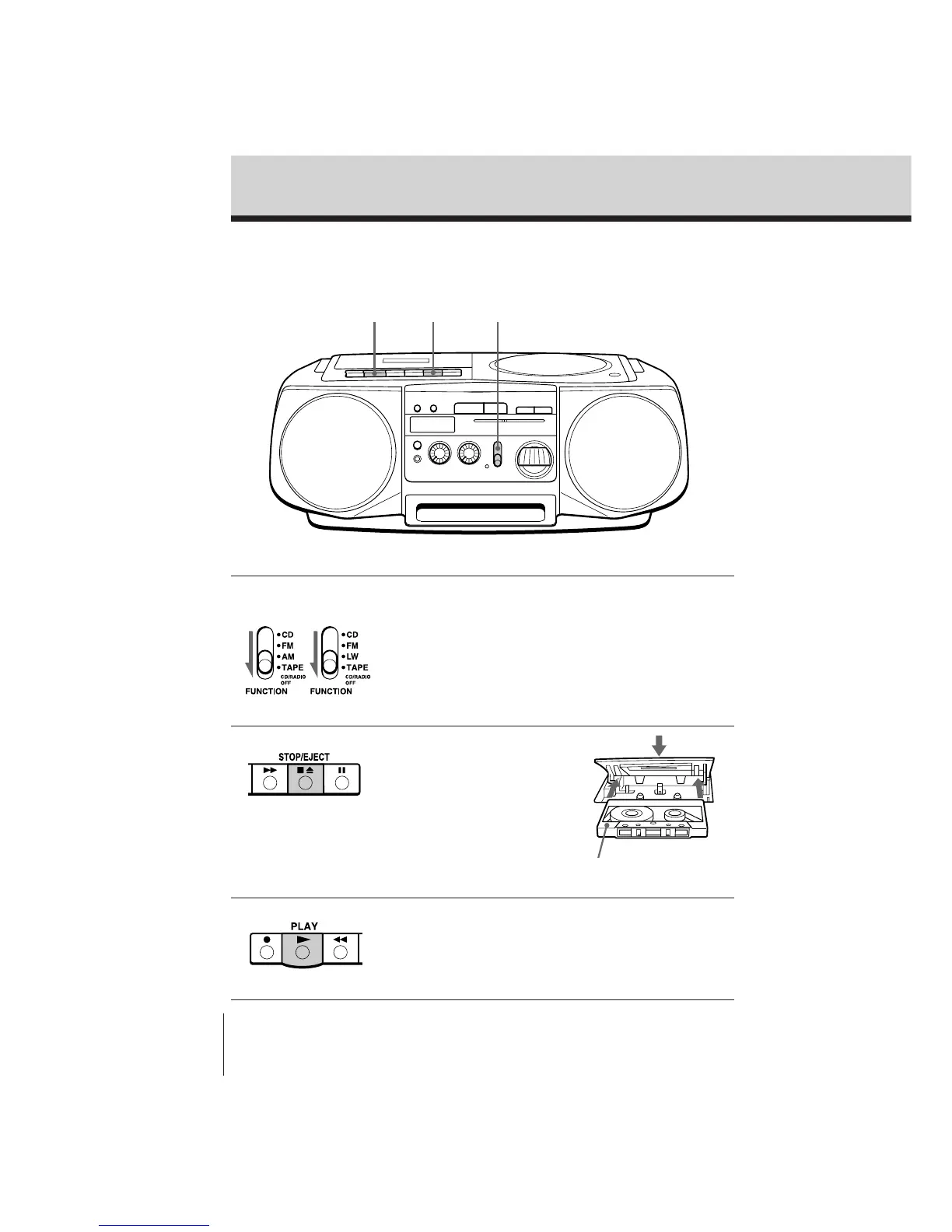
Playing a tape
32 1
With the side you want
to play facing upward
Connect the supplied AC power cord (see page 16).
1 Set FUNCTION to TAPE (CD/
RADIO OFF).
2 Press p6 to open the tape
compartment and insert a
recorded tape. Use TYPE I
(normal) tape only. Close the
compartment.
3 Press (.
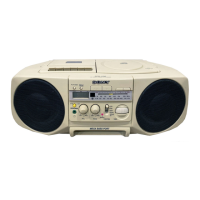
CFD-V20/V30
CFD-V30L


 To Next Page