model name1[MZ-R70] model name2[MZ------]
[3-232-169-11(2)]
masterpage:Right
filename[K:\595_sony\59501001\Cmd_j6\01GB03MAN.fm]
21
ImportantImportantImportantImportantImportant
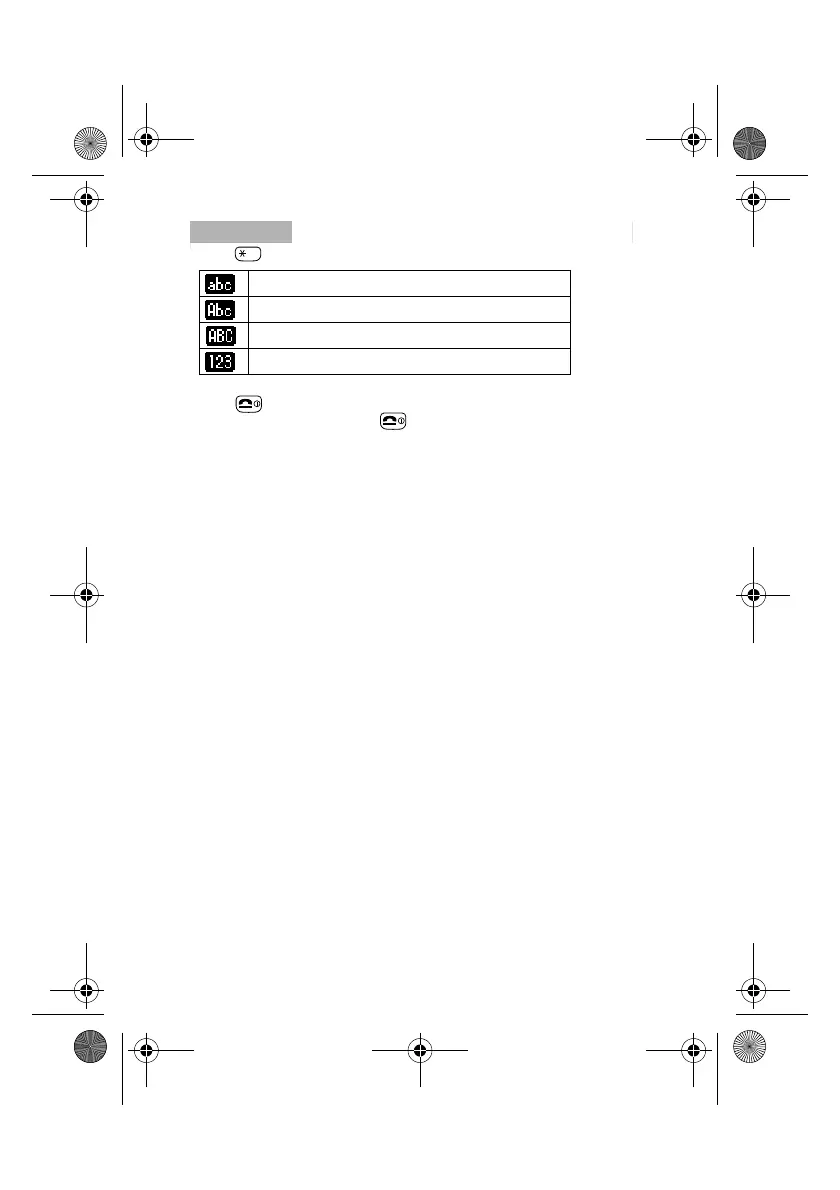
• Press to shift among:
• Press to clear the character or number just before the cursor. To clear
the entire text, press and hold .
lower case letters permanently
upper case letter and then revert back to lower case
upper case letters permanently
numbers
01GB.book Page 21 Friday, April 27, 2001 1:08 PM



 To Next Page