56
model name1[MZ-R70] model name2[MZ------]
[3-232-169-11(2)]
masterpage:Left
filename[K:\595_sony\59501001\Cmd_j6\01GB03MAN.fm]
Scheduler
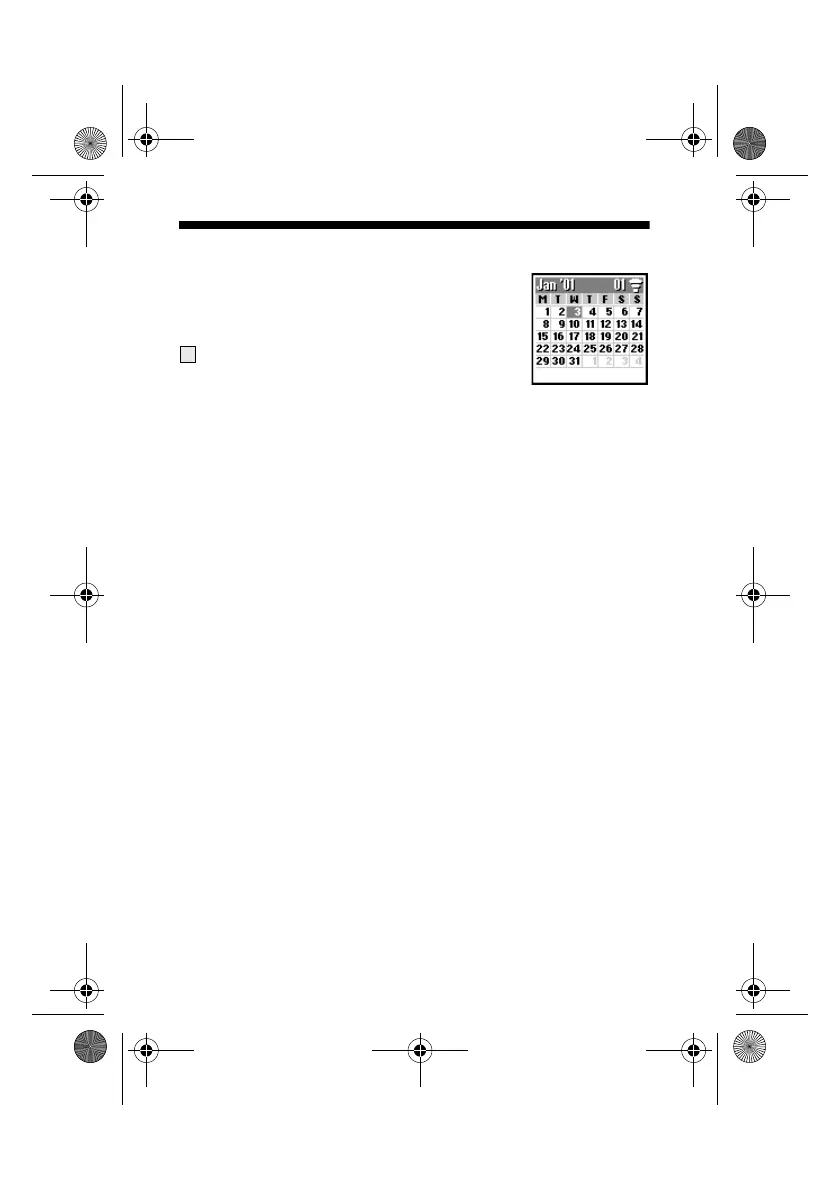
Display the calendar, save your daily schedule
and set alarms for important tasks. The monthly
calendar appears as follows:
(underline): An event is scheduled for that day.
Enter a new event or a new to do item
1 Select Scheduler from the main menu and use the Jog Dial to
select a day.
(To change the month, press the Centre Key.)
2 Use the Jog Dial to select New and then enter a New Event or a
New To Do item.
The following options are available if you select an event.
OK
Choose OK if the entry is correct to save.
View
View details of the event.
Edit Icon
Select from a range of icons to be added to the event entry.
Edit Time
Edit the Time of the event.
7
01GB.book Page 56 Friday, April 27, 2001 1:08 PM



 To Next Page