model name1[MZ-R70] model name2[MZ------]
[3-232-169-11(2)]
masterpage:Right
filename[K:\595_sony\59501001\Cmd_j6\01GB03MAN.fm]
25
Creating Entries
1
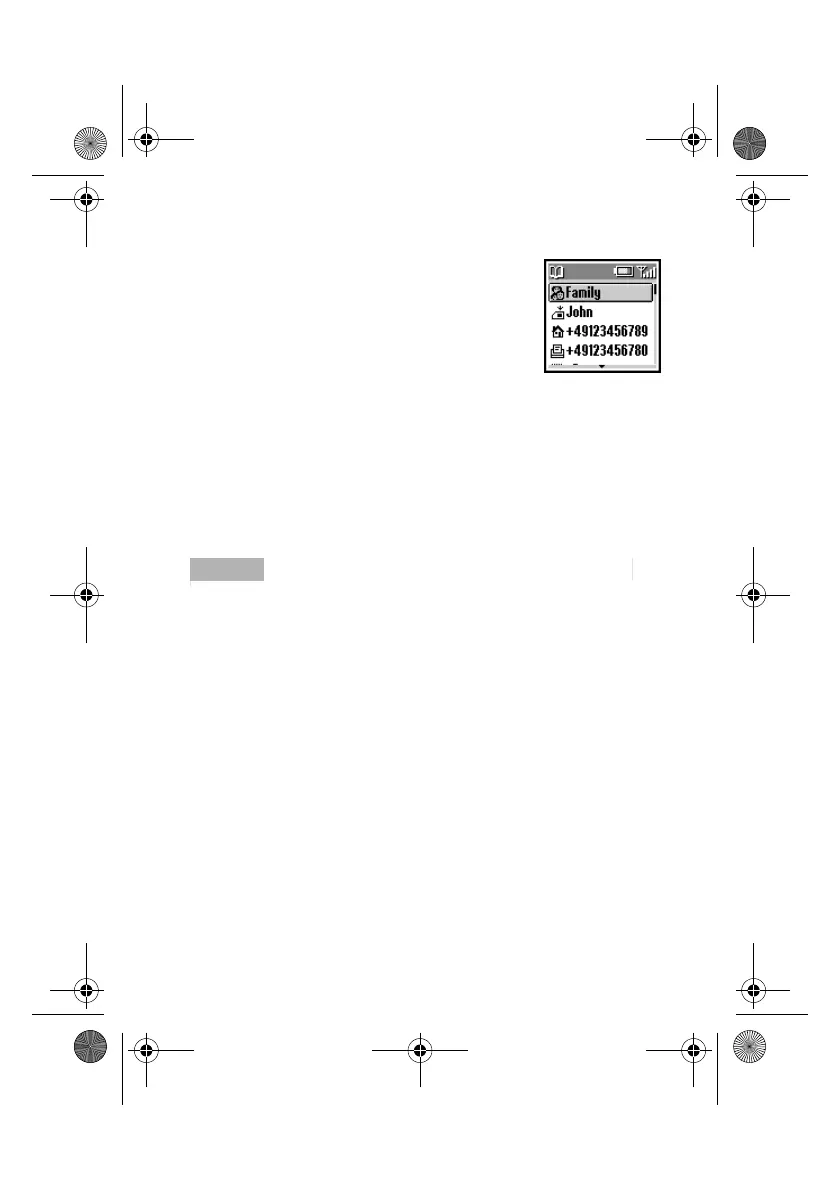
Rotate the Jog Dial in standby mode to open
the Phonebook.
2
Select Phonebook Menu and press the Jog
Dial.
3
Select New Entry and press the Jog Dial.
4
Select SIM Card to save the entry to the SIM card memory or
Phone to save to the phone memory.
5
Rotate the Jog Dial to select the Number Type Icon and press the
Jog Dial.
6
Enter the phone number. Press Jog Dial to confirm
7
Enter a new name. Press the Jog Dial to confirm.
ImportantImportantImportantImportantNotes
• When saving the Phonebook entries to the SIM card, the number of memory
spaces depends on your SIM card.
• When saving the Phonebook entries to the Phone memory, you can make up
to 500 entries (up to 20 characters for each name and up to 40 digits for each
number.)
• To assign a group, select an entry from the Phonebook and select No Group.
Use the Jog Dial to scroll and then select a group.
01GB.book Page 25 Friday, April 27, 2001 1:08 PM



 To Next Page