32
model name1[MZ-R70] model name2[MZ------]
[3-232-169-11(2)]
masterpage:Left
filename[K:\595_sony\59501001\Cmd_j6\01GB03MAN.fm]
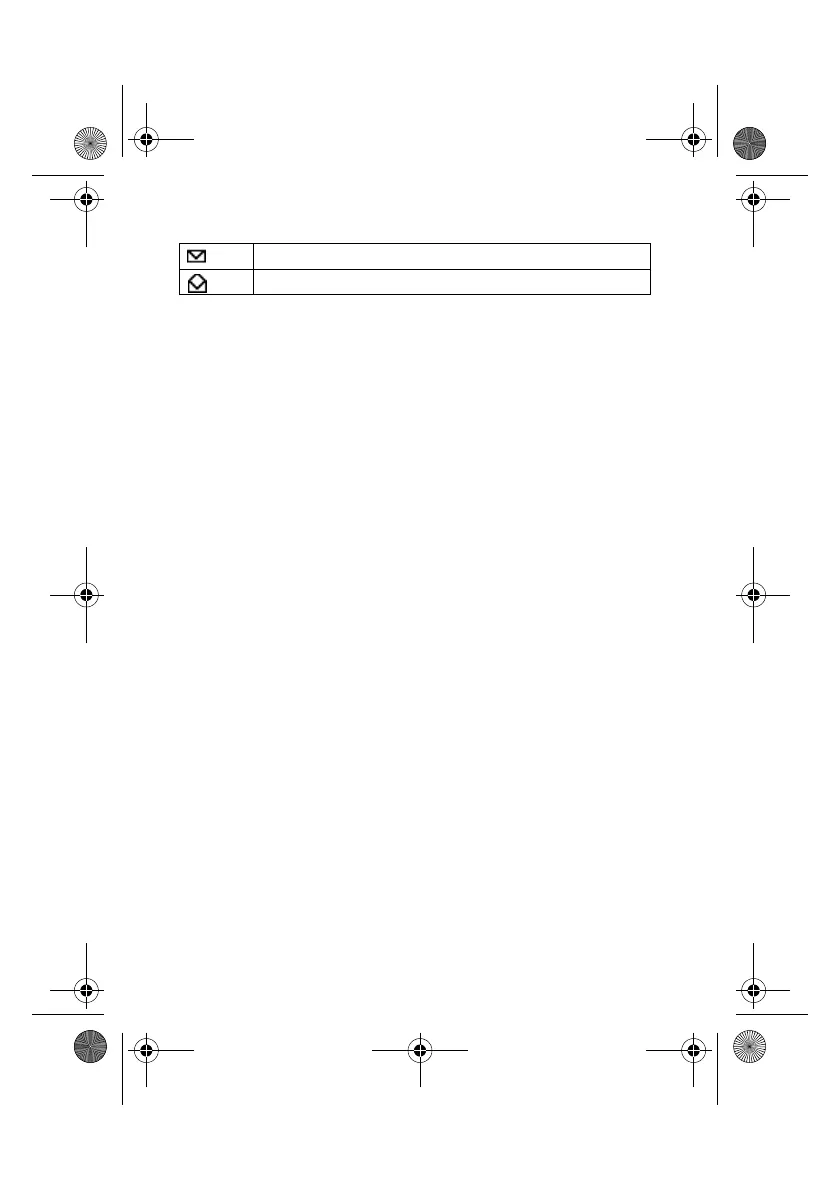
SMS list icons indicate the properties of the message
To Delete a Message
1 Follow steps 1-3 in “Read Message” and select Delete.
2 After selecting the message you want to delete, select Yes.
To Reply or Edit a Message
1 Follow steps 1-3 in “Read Message” and select Reply.
2 Choose Text only or Text, Attach (reply the text with attachment)
3 Edit the message and press the Jog Dial.
4 Select Send (or Save, Settings, Cancel) and press the Jog Dial to
confirm your selection.
To Save a Message
Follow steps 1-3 in “Read Message” and select Save.
To Forward a Message
Follow steps 1-3 in “Read Message” and select Fo rw a rd .
Received message (unread)
Received message (read)
01GB.book Page 32 Friday, April 27, 2001 1:08 PM



 To Next Page