16
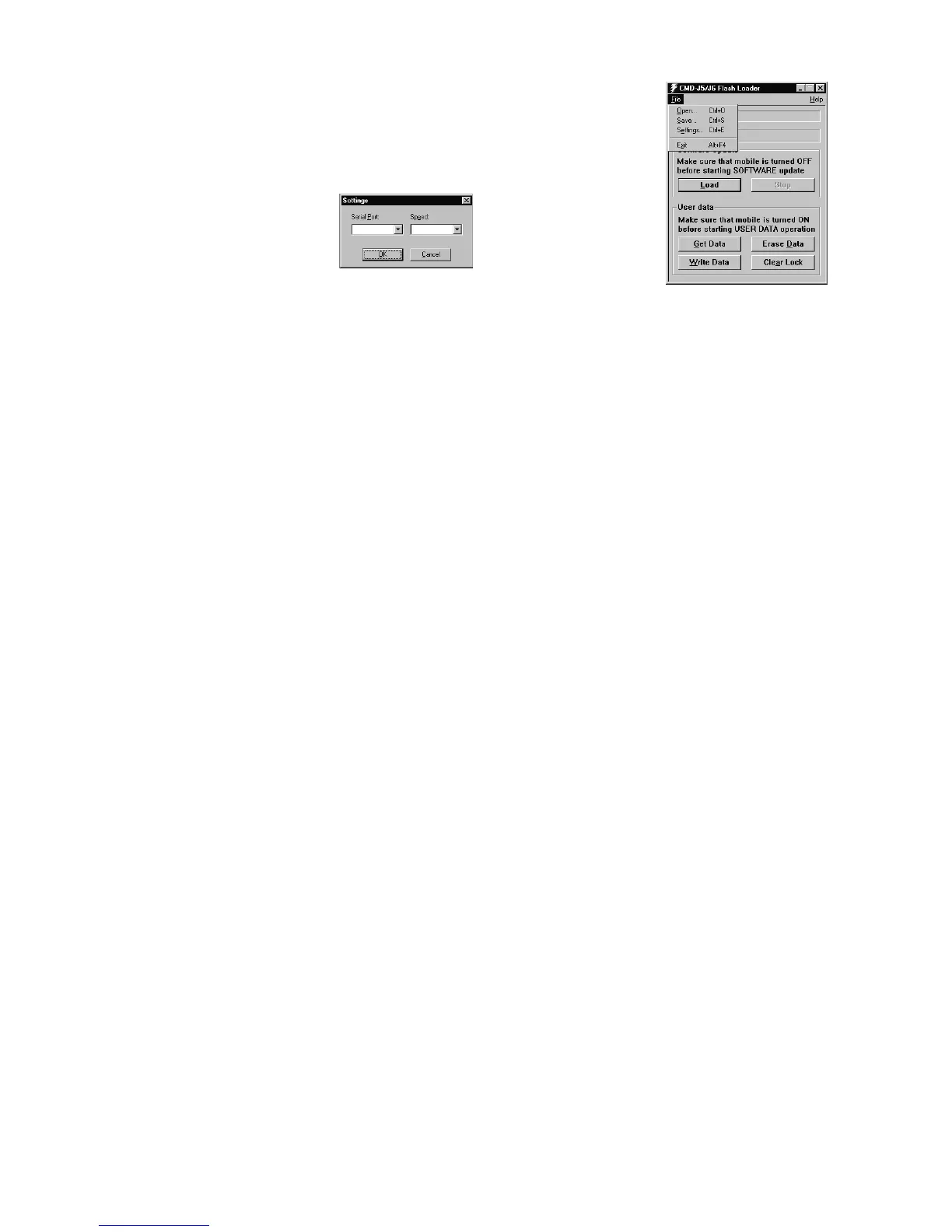
• Select file/Settings and check if the settings for the Com Portand Speed are correct.
− The FlashLoader automatically detects all available Com ports on the PC.
(COM 1 or COM 2)
− Baud rates up to 812500bps will be supported, but standard PCs, unless
it is correctly customised (i.e. with a Fast Serial Board), will not support
Baud rates > 115200bps.
− The default values are
• Click on the Load button and select an SRE file for downloading.
− The CMD-J26 software is located in the xx437.SRE file.
− Any other SRE file is either only needed for the program itself, or can be a personal data file.
Note: If a flash.sre file appears, please mind that this is application software (do not use / modify)
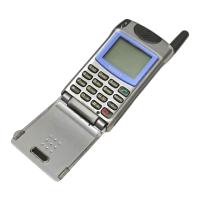
• Switch on the CMD-J26.
• Now the program runs automatically.
5.3.2 ∗ Save User Data in Mobile (Get Data / Write Data)
• Check if the settings for the Com Port and Speed are correct.
• Switch on the CMD-J26.
• Click on Get Data.
• Now the program runs automatically (if the application does not start after a while, press any key of the CMD-J26)
• After the read data is downloaded, either reload it in another mobile (reconnect a new mobile and click on
Write Data) or save it on the disc using File/Save option.
• When the message write user data complete appears, disconnect the Data Transfer Cable and make sure
that the attached battery pack will be removed (do not switch off the terminal with the ON/OFF key).
5.3.3 ∗ Reset of User Data (Erase Data)
• Check if the settings for the Com Port and Speed are correct.
• Switch on the CMD-J26.
• Click on Erase Data.
• Now the program runs automatically, all individual settings (such as Phonebook entries and WAP settings etc.)
will be deleted.
• When the message erase user data complete appears, disconnect the Data Transfer Cable and make sure
that the attached battery pack will be removed (do not switch off the terminal with the ON/OFF key).
5.3.4 ∗ Reset of Security Code Lock (Clear Lock)
• Check if the settings for the Com Port and Speed are correct.
• Switch on the CMD-J26.
• Click on Clear Lock.
•
The individual Security Code will be reset to the default setting: 0000 !
For any of the above stated functions, follow the instructions written in the status bar (the first
one from the top).
Follow up the progress of the up/download process by checking the Progress bar (the second
one from the top).
Note
:
Do not forget to remove the test SIM before
returning an intact mobile phone.
With the SIM in the phone the customer will no longer be able to check into a radio network; so even though the phone
is intact, it will be of no use to the customer.
115200 COM1


 To Next Page